Your cocktail list, readable in a dim room and new each season
For a cocktail bar, a digital menu means your drinks list opens on the guest's phone from a QR code on the bar or the table, in a dark design made to be read in low light. A bar's list rarely sits still: the autumn signatures replace the summer ones, a bottle runs out on Friday, happy hour starts at 6, and part of the room wants something without alcohol. Reprinting the card for each change costs money and time. Snap the current card and ManyMenu builds that menu in your colors, with your logo; after that, any drink changes in two taps.
Also inFrançais
Live example
Tangier8:00 – 23:00
Signatures
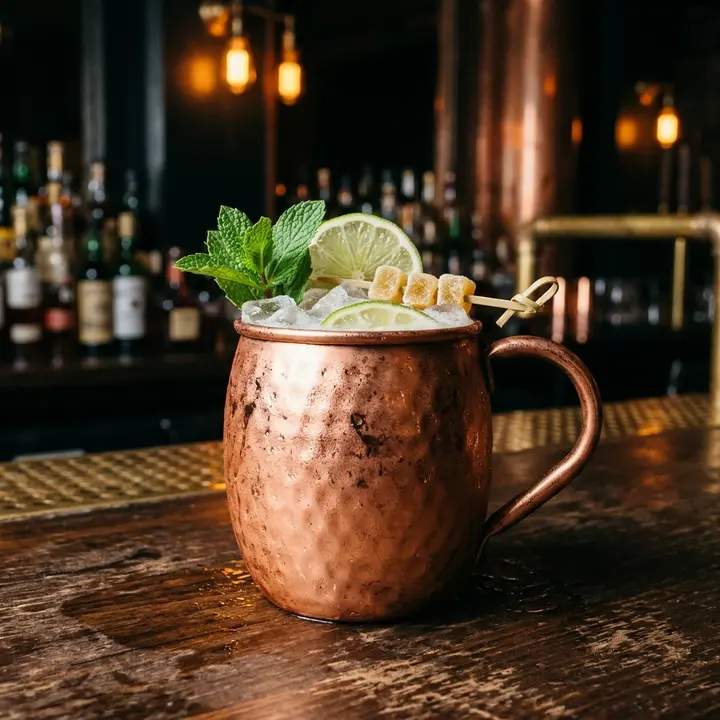
Copper Ginger Fizz
€9Fresh ginger, lime, mint, sparkling water, copper mug
Popular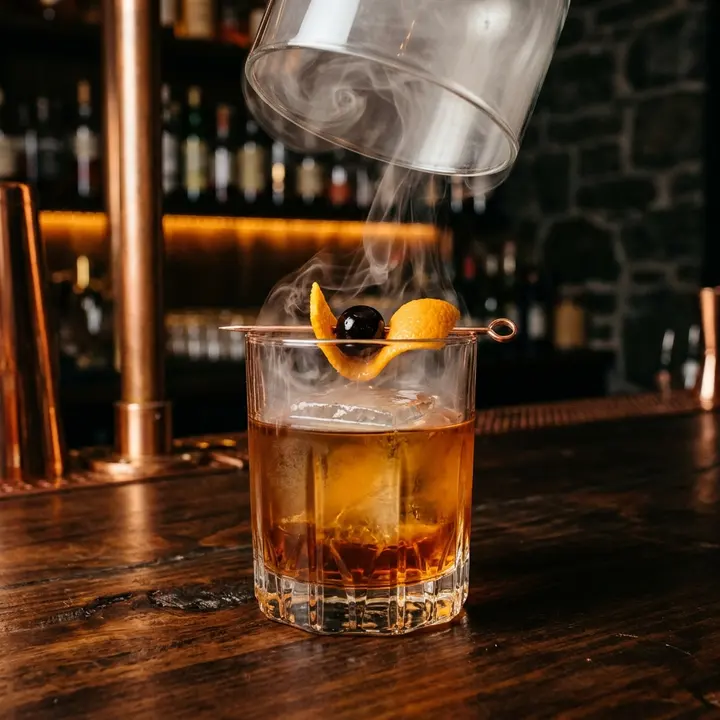
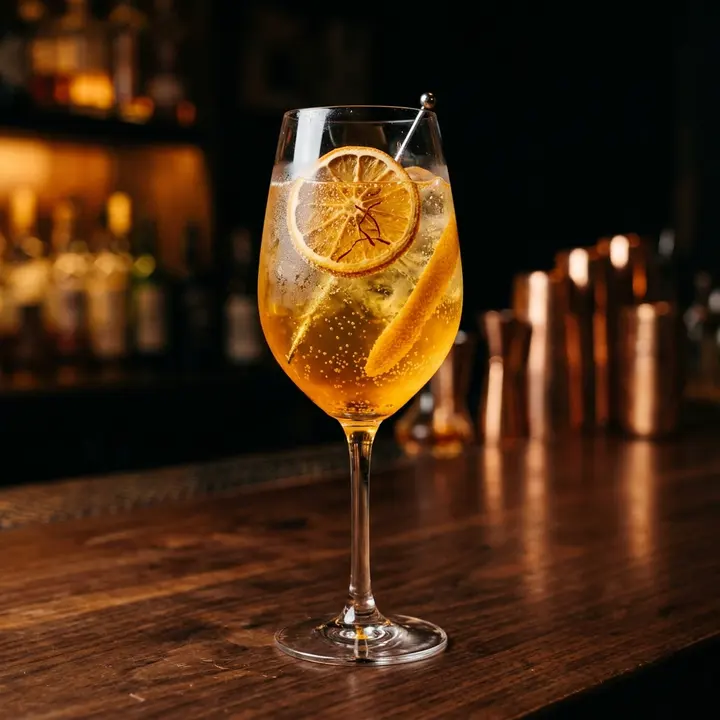
Saffron Sparkler
€9Saffron cordial, orange blossom, sparkling white grape
New
Fresh & light
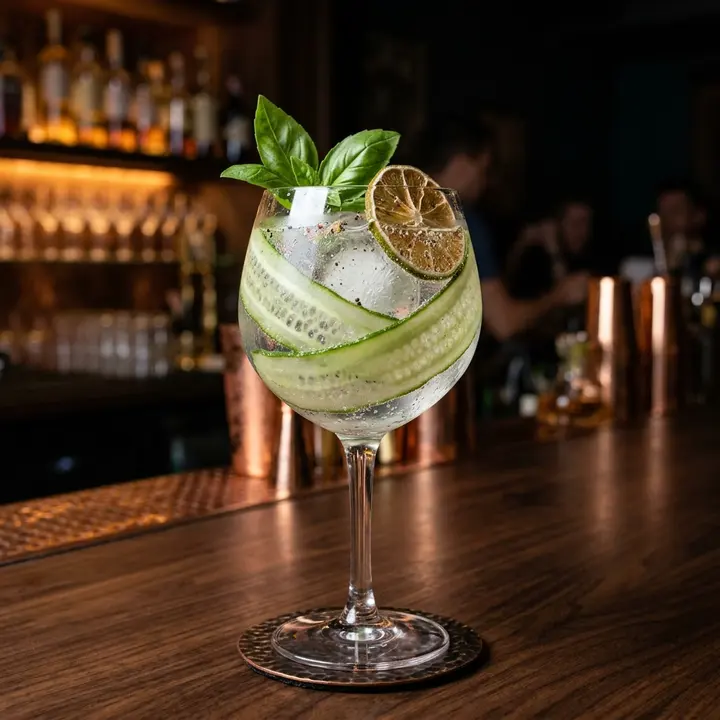
Garden Tonic
€7Cucumber, basil, tonic
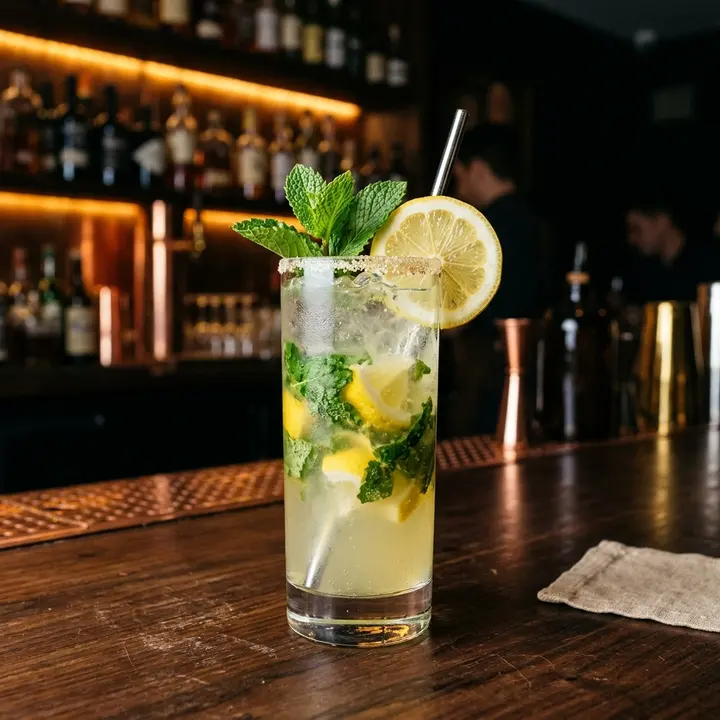
Mint Lemonade
€6Fresh mint, lemon, cane sugar
Small plates
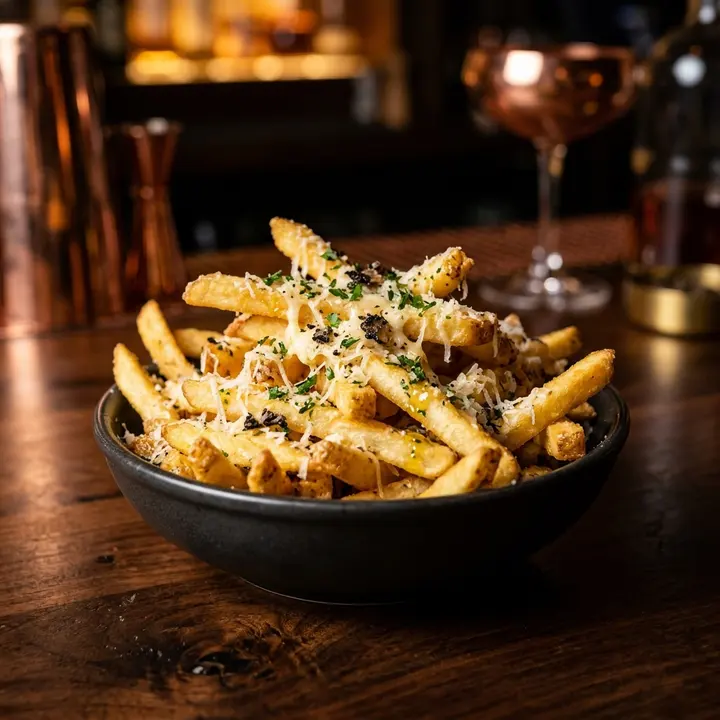
Truffle fries
€8Parmesan, truffle oil
Vegetarian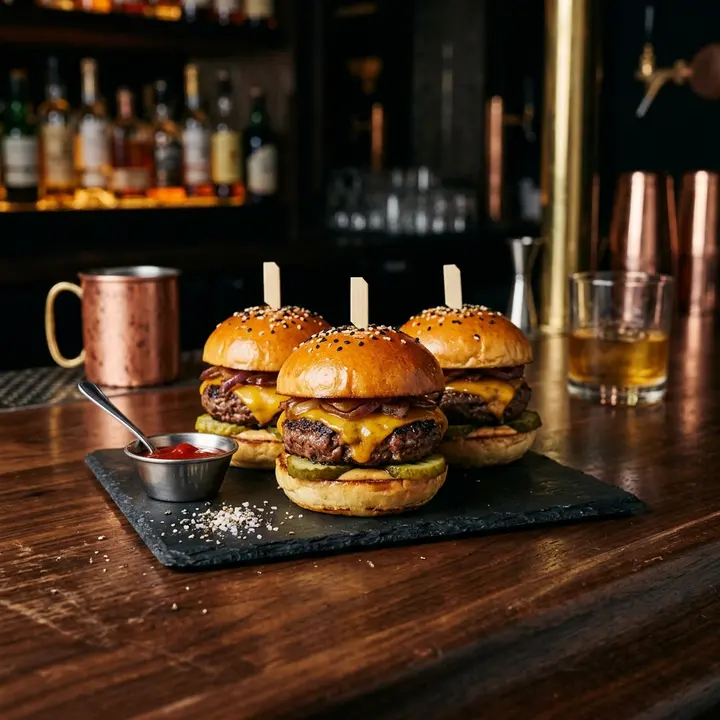
Beef sliders
€13Brioche, cheddar, pickles
What changes for you
- 1
Made for a dim room
Light text on a dark background, large enough to read without turning the lights up. In a blind survey by Toast (Sept 2024), 26% of diners said QR menu text is too small; low light only makes that worse.
- 2
Guests choose while you shake
On a busy Friday the bartender cannot recite the list to every new arrival. Guests scan, browse the signatures and what goes into them, and know what they want when you reach them. ManyMenu does not take orders: it shortens the wait.
- 3
Zero-proof, given a real page
Give alcohol-free drinks their own section, written with the same care as the signatures, and tag every alcoholic drink with the contains alcohol label. Guests who do not drink jump to their section from the category tabs.
- 4
Glass, bottle and happy hour
Each spirit can show two prices on one line, by the glass and by the bottle. For happy hour, lower the prices at 6 and restore them at 8 from your phone, or add a short happy-hour section for the evening.
From paper to live, in three steps
- 1
Photograph the current card
Shoot each page of the printed list from your phone; angled photos are fine. The AI reads names, ingredients, prices, and glass or bottle sizes.
- 2
Check and label
Review every line in the control room, add the contains alcohol label, feature your signatures, and let AI write descriptions where yours are thin.
- 3
Bar, tables and Instagram
Set QR cards on the bar and tables, put the link in your Instagram bio before DJ nights, and show the menu on a screen behind the bar.
Questions
How often can I change the cocktail list?
As often as the list changes. A new season can be a new photo of the new card or a few edits in the control room, and the QR codes already on the bar open the new list.
Which cocktails do guests actually look at?
Insights show how many guests opened each drink, what they searched for (including drinks you do not list) and when the menu is busiest, over 7, 30 or 90 days. They also list the available drinks nobody opened, which helps when you cut next season's list.
Can the menu be in Spanish for Tangier's visitors?
Yes. AI translates the menu in one tap, into Spanish, English or Arabic for example, and drink names such as Copper Ginger Fizz stay as they are. Guests pick their language on the menu.
What do I print for the bar?
Table tents with the QR code, printed from the control room, and your logo as a vector file if you want it on coasters or a sign. The tents never need reprinting when the list changes, because the code points to the menu, not to a file.
Guides for you
Menu pricing psychology: what actually works
Menu pricing psychology without the myths: price formats, menu engineering, anchors and layout, the research behind each tactic and the ones that backfire.
7 October 2026 · 7 min read
What your menu analytics tell you
Menu analytics explained: dish opens, searches, languages, sources and peak hours, what each number means and the decision it supports in your restaurant.
14 October 2026 · 7 min read
Digital menus for hotels and room service
How hotels run room service, restaurant, pool and lobby bar menus digitally: QR codes in rooms, TV boards, languages, allergens and a one-week rollout plan.
23 October 2026 · 7 min read

Your menu, live on every screen this week.
ManyMenu opens by invitation. Tell us about your venue and we send you an activation code: your first menu is free.