A café menu that keeps pace with the morning rush
A digital menu for a café is your menu on the guest's phone through a QR code, on a link and on the TV above the counter, changed from your phone in seconds. In a café the menu moves all day: breakfast formulas until 11, the last croissant gone at 10:40, a new juice when the oranges are good. ManyMenu starts from the paper menu you already have. Photograph it and every drink, dish, size and price is read for you. On the terrace, guests scan and choose before the waiter reaches them.
Live example
Marrakech · depuis 1987
Café Atlas
Marrakech8:00 – 23:00
Petit-déjeuner
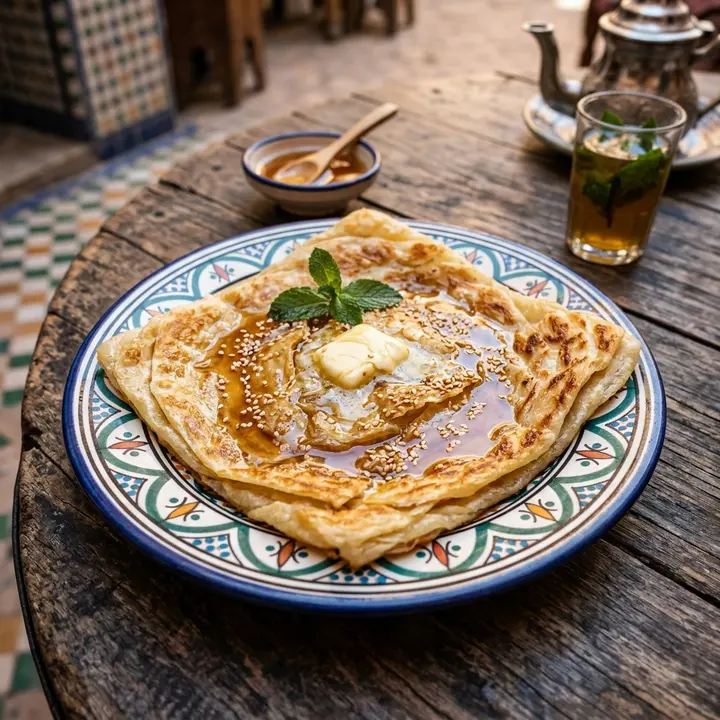
Msemen au miel
18 DHCrêpe feuilletée, miel de thym, beurre fermier
Populaire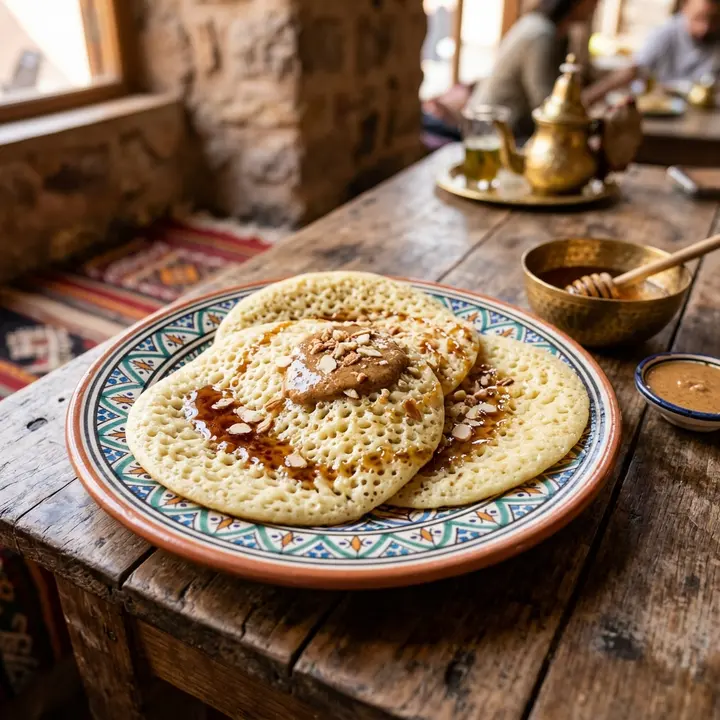
Baghrir
20 DHCrêpe mille trous, amlou et miel
Signature
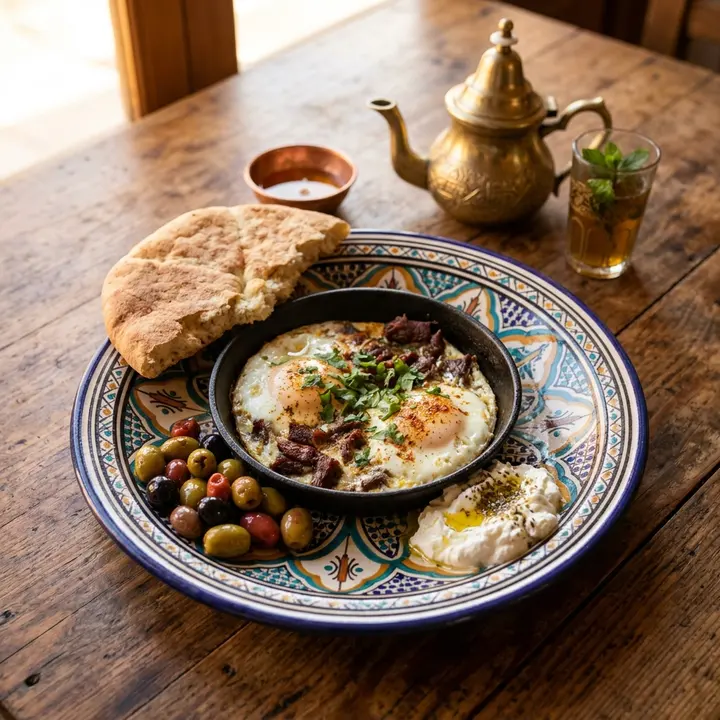
Petit-déj berbère
Œufs khlii, olives, fromage frais, pain tafarnout, thé
45 DH
Boissons chaudes
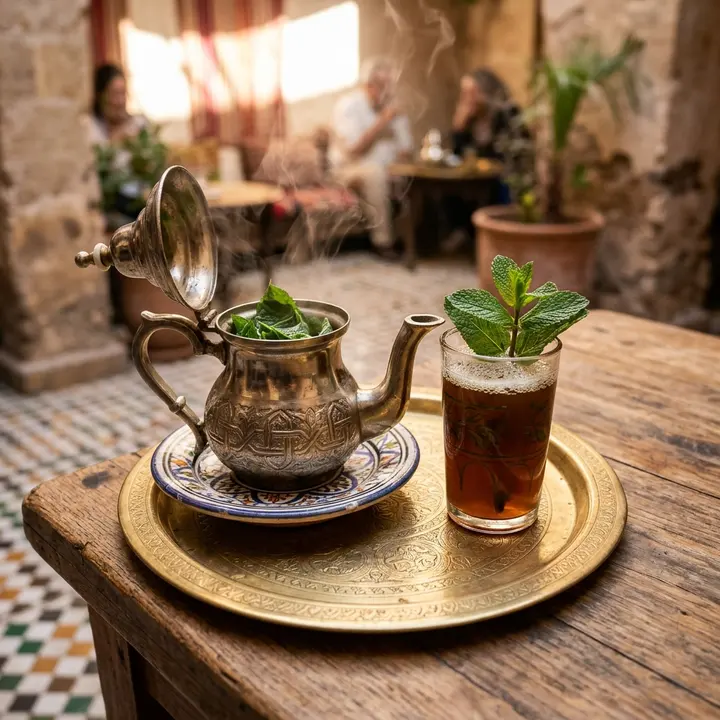
Thé à la menthe
15 DHMenthe fraîche de l'Atlas, servi en théière
Populaire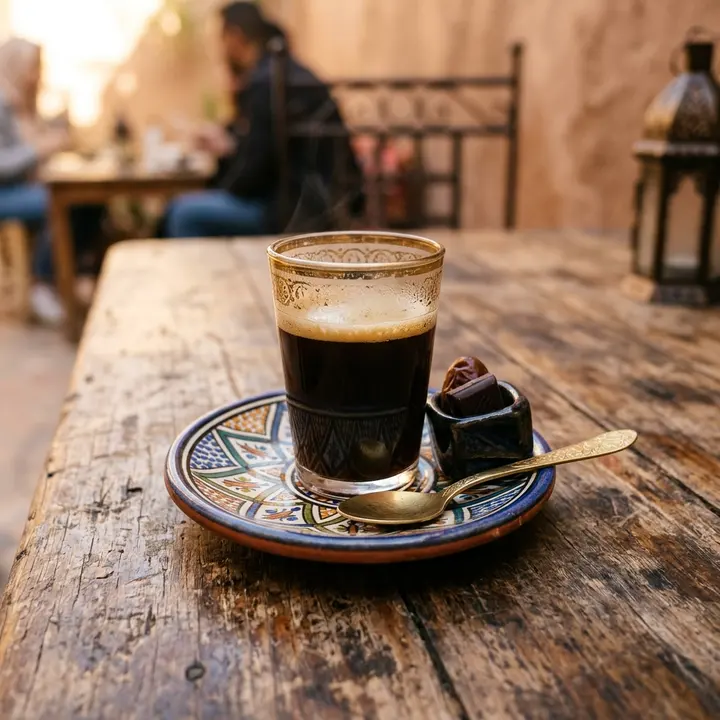
Café noir
12 DH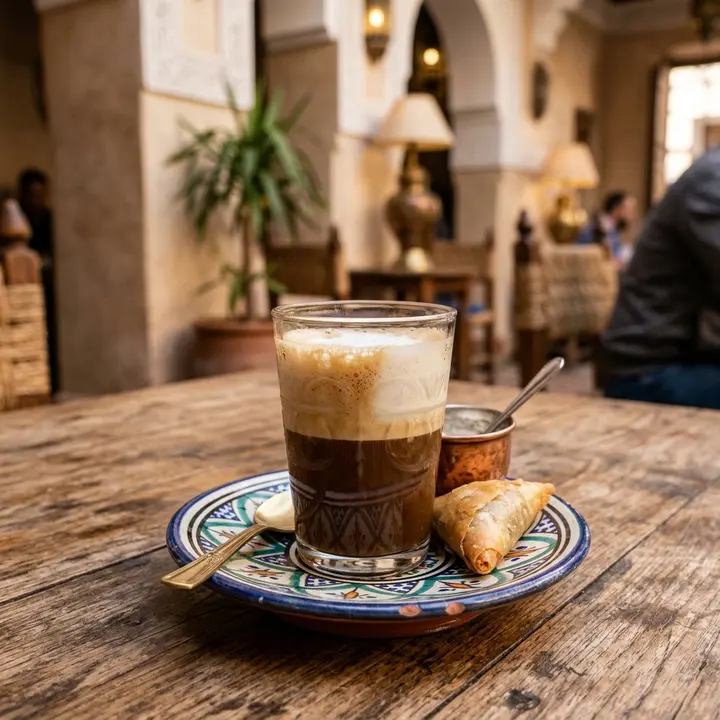
Nouss-nouss
14 DHMoitié café, moitié lait
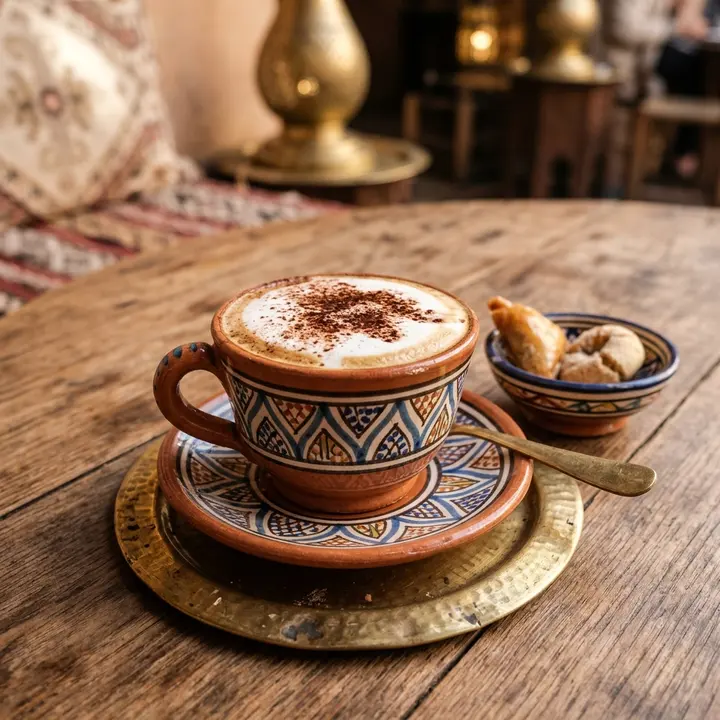
Cappuccino
20 DH
Jus frais
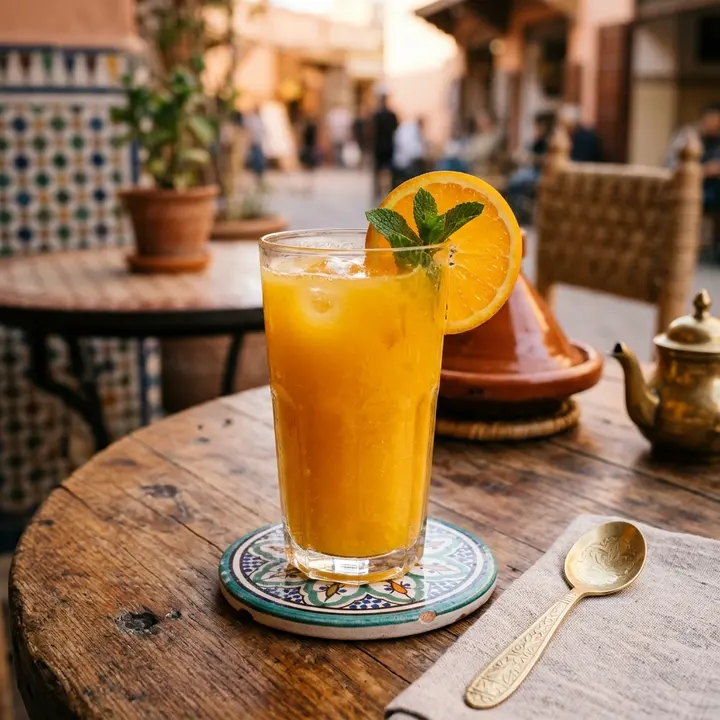
Orange pressée
15 DH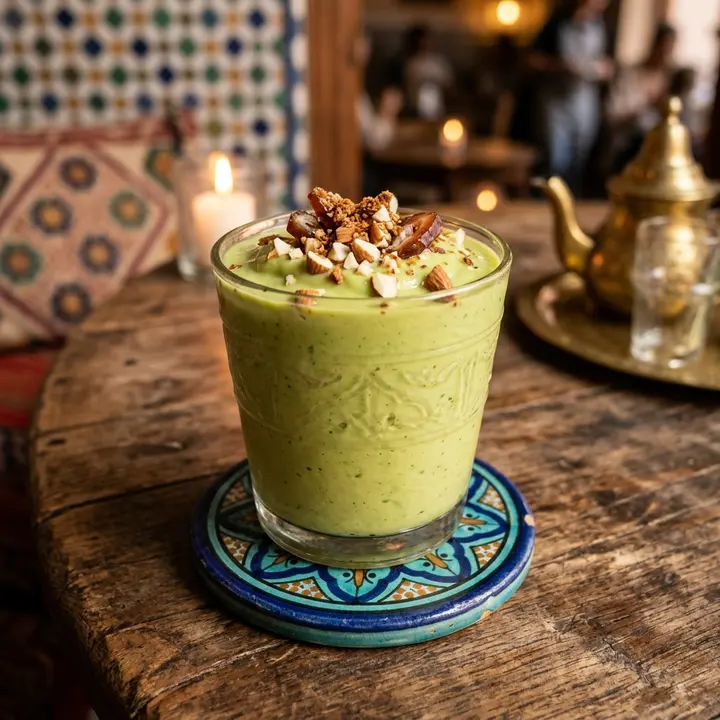
Avocat lait d'amandes
28 DHAvocat, lait d'amandes, dattes
Végan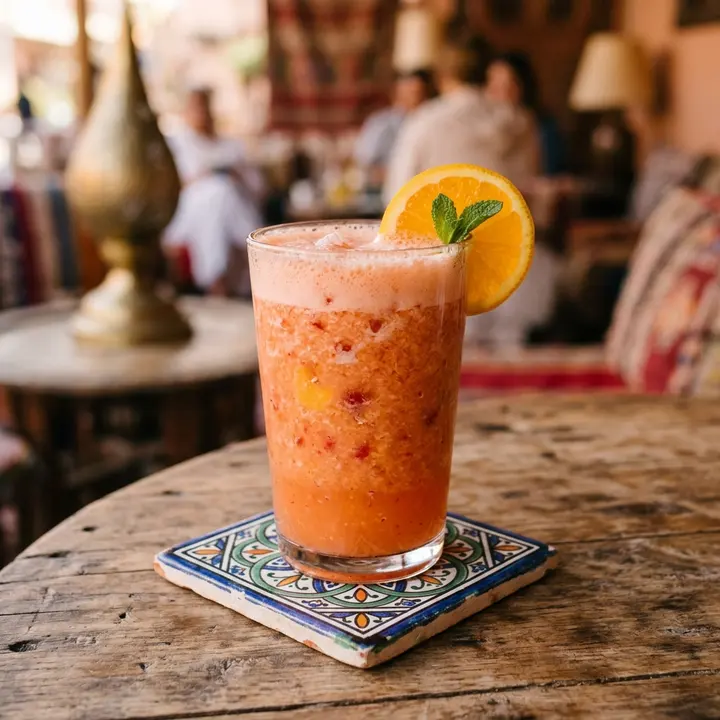
Panaché
25 DHBanane, pomme, orange, fraise
Plats
Signature
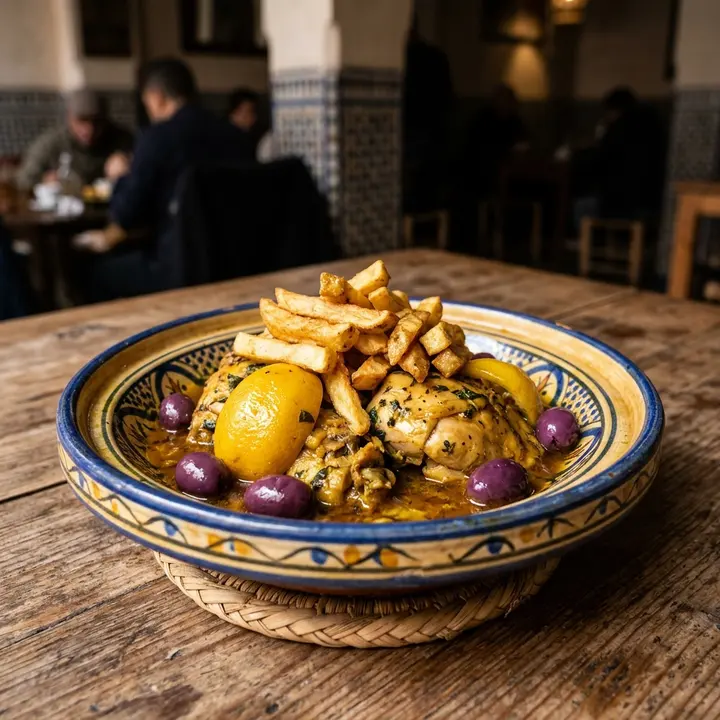
Tajine poulet citron
Citron confit, olives violettes, frites maison
65 DH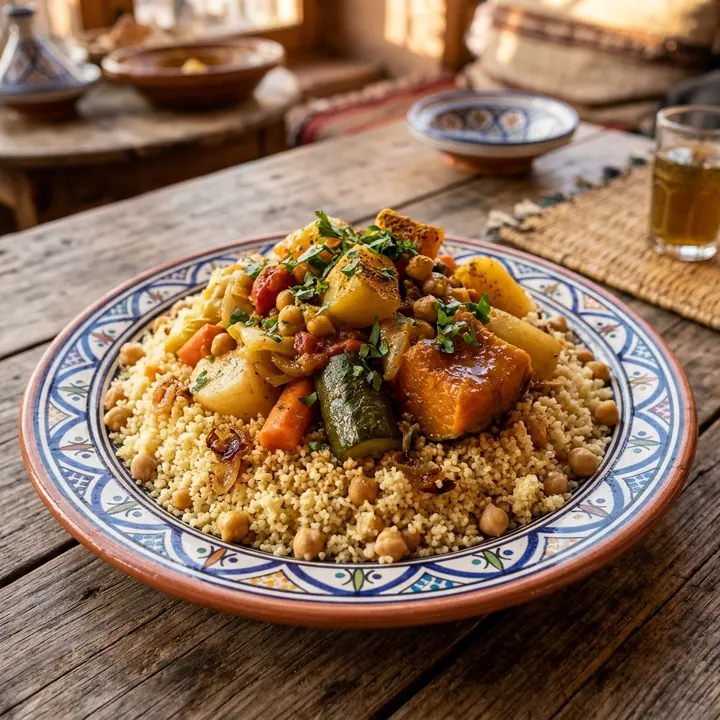
Couscous 7 légumes
60 DHLe vendredi, semoule roulée main
Végétarien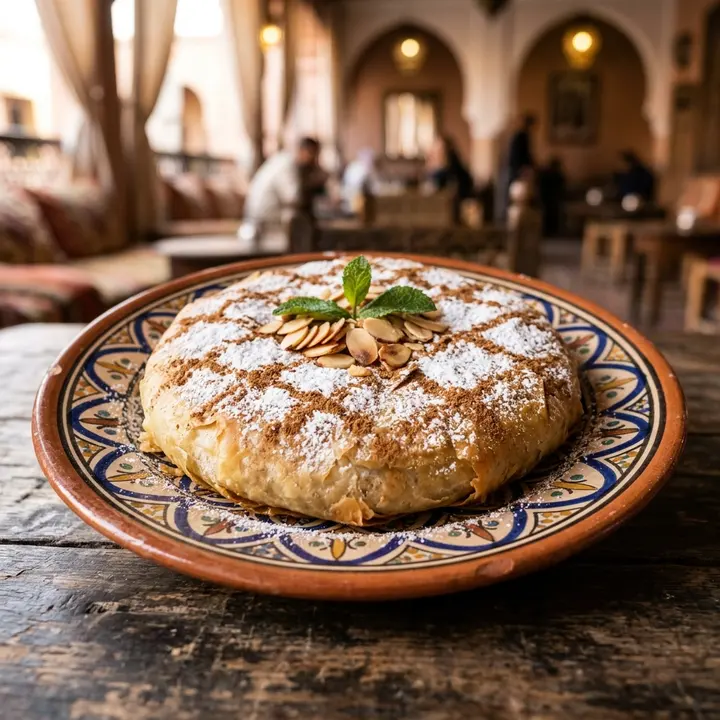
Pastilla au poulet
75 DHAmandes, cannelle, sucre glace
Choix du chef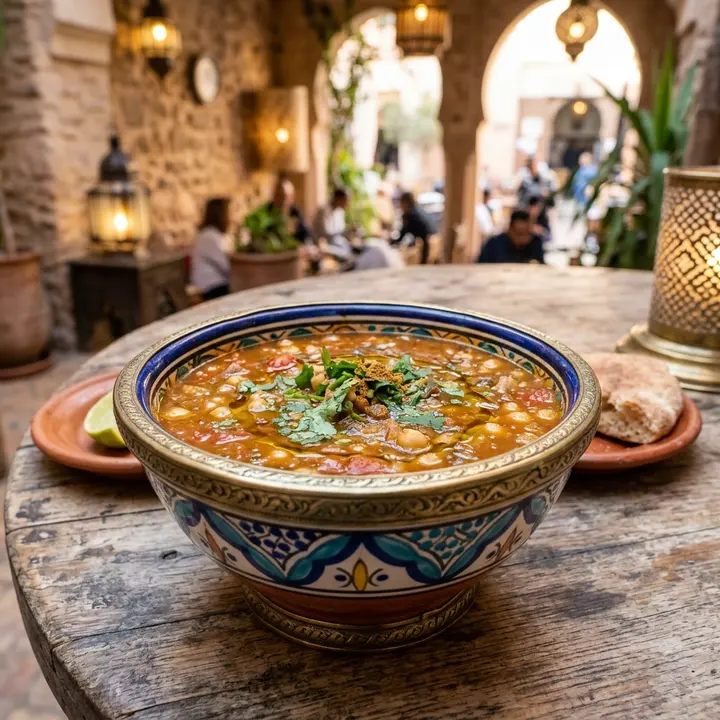
Harira
20 DHSoupe de tomates, pois chiches, lentilles
Végan
What changes for you
- 1
Breakfast formulas, clearly priced
Give the Berber breakfast, the msemen and the nouss-nouss their own category, with what each formula includes. Guests have chosen before the waiter arrives, which is what you need between 8 and 10 when every table turns.
- 2
Sold out by 11
When the last baghrir or croissant goes, mark it sold out from your phone in two taps. The QR menu and the TV board stop offering it, so nobody orders what the kitchen no longer has.
- 3
Sizes and Wi-Fi in one place
Small or large orange juice, single or double espresso: each drink keeps its sizes and prices on one line. The Wi-Fi name and password sit on the menu too, so nobody at the counter has to spell them out again.
- 4
Tourists read it their way
In Marrakech or Casablanca, many terrace guests read neither French nor Arabic. They switch the menu to English, Spanish or German themselves, while msemen, baghrir and nouss-nouss keep their names with a short description.
From paper to live, in three steps
- 1
Photograph the menu
One photo per page from your phone, the chalkboard of the day included. ManyMenu reads every drink, dish, size and price in about 30 seconds.
- 2
Check it before opening
Everything lands in your control room first. Fix a price, add the Wi-Fi password and your opening hours, then publish when it looks right.
- 3
Terrace, counter, Instagram
Print table tents with the QR code for the terrace, open the screen link on the TV above the counter and put the link in your Instagram bio.
Questions
Can guests see the Wi-Fi password on the menu?
Yes. Enter the network name and password once in your venue details; they show on the guest's phone next to your opening hours, address and Instagram.
I change the juice of the day every morning. Do I reprint anything?
No. Edit the juice from your phone and every QR code, the link and the TV board show it at once. The QR codes printed on your tables never change.
Can I see at what time terrace guests open the menu?
Yes. Insights show a weekday by hour heatmap in the guest's local time, plus the drinks and dishes opened most. Use it to check when the breakfast crowd really arrives.
Do tourists have to download an app to read my menu?
No. They scan the QR code with their phone camera and the menu opens in the browser. They pick their language on the menu, and Insights show you which languages they chose.
Guides for you
What your menu analytics tell you
Menu analytics explained: dish opens, searches, languages, sources and peak hours, what each number means and the decision it supports in your restaurant.
14 October 2026 · 7 min read

Comment créer un menu QR pour son café ou restaurant
Créer un menu QR en 10 étapes : préparer et photographier la carte, choisir l'outil, imprimer un bon QR, le placer, partager le lien et tenir la carte à jour.
9 octobre 2026 · 6 min de lecture
Menu sur écran TV : le guide pour cafés et fast-foods
Matériel, taille d'écran, lisibilité, rotation, coût : comment installer un menu sur écran TV dans un café ou un fast-food, sans les erreurs classiques.
16 octobre 2026 · 7 min de lecture

Your menu, live on every screen this week.
ManyMenu opens by invitation. Tell us about your venue and we send you an activation code: your first menu is free.