Rosse, bianche, sizes and extras: a pizza menu nobody misreads
A digital menu for a pizzeria is your carte on the guest's phone through a QR code, on a link and on a screen, where each pizza shows its sizes, extras and allergens. Pizza menus look simple and are not: a Margherita in two sizes, burrata as a supplement, a pizza of the month that keeps changing, parents asking what suits the kids, a guest asking about gluten. ManyMenu reads the paper menu you already have and turns it into one you change from your phone, with nothing to reprint.
Also inFrançais
Live example
Nonna
Pizzeria napoletana
Casablanca8:00 – 23:00
Pizze rosse
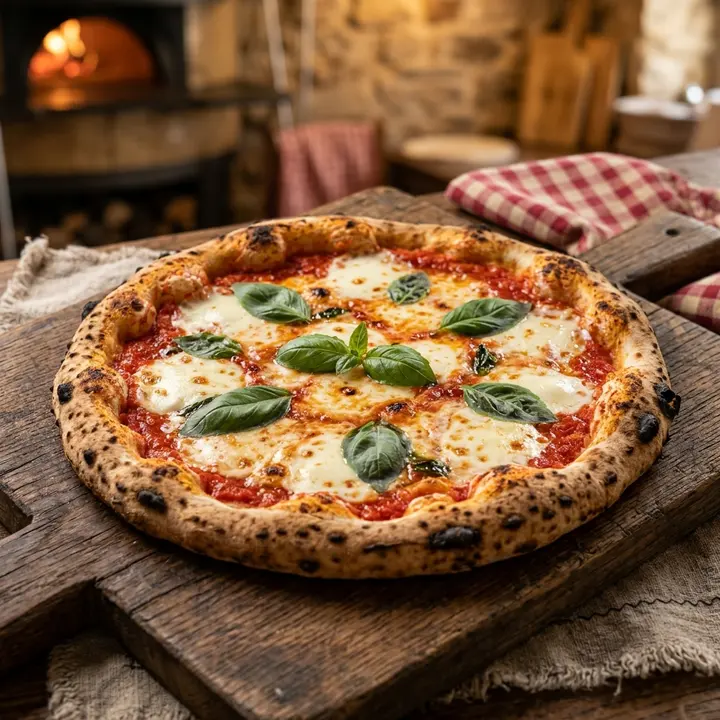
Margherita
70 DHSan Marzano, fior di latte, basilic
Végétarien · Populaire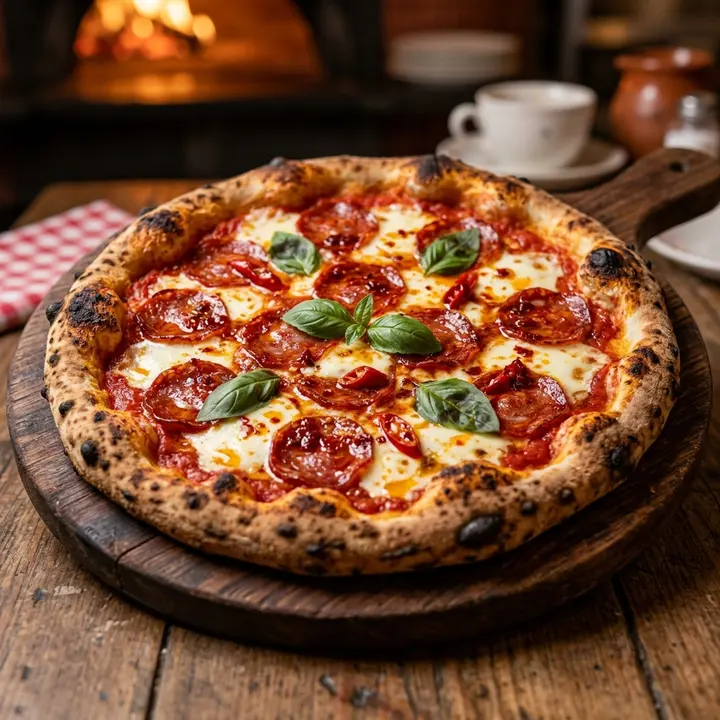
Diavola
90 DHSalami piquant, fior di latte, huile pimentée
Épicé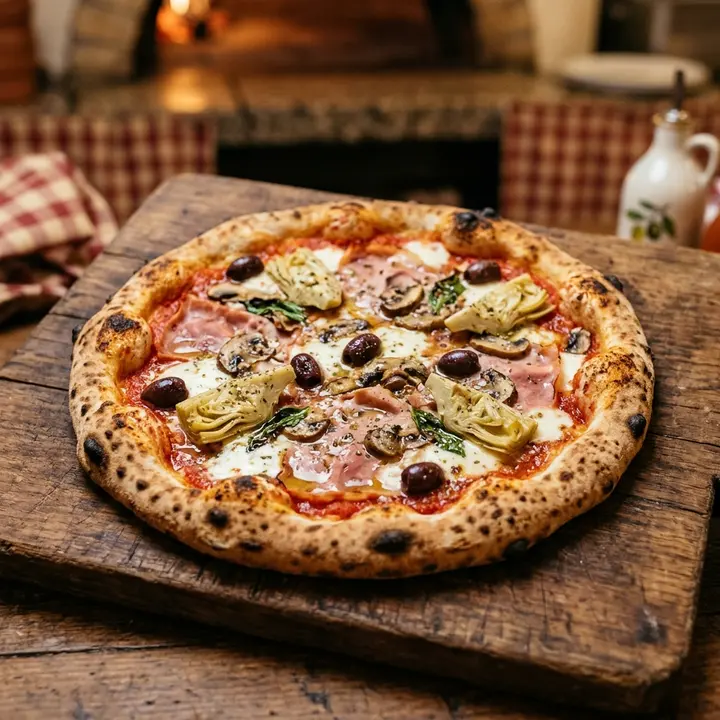
Capricciosa
95 DHJambon, champignons, artichauts, olives
Pizze bianche
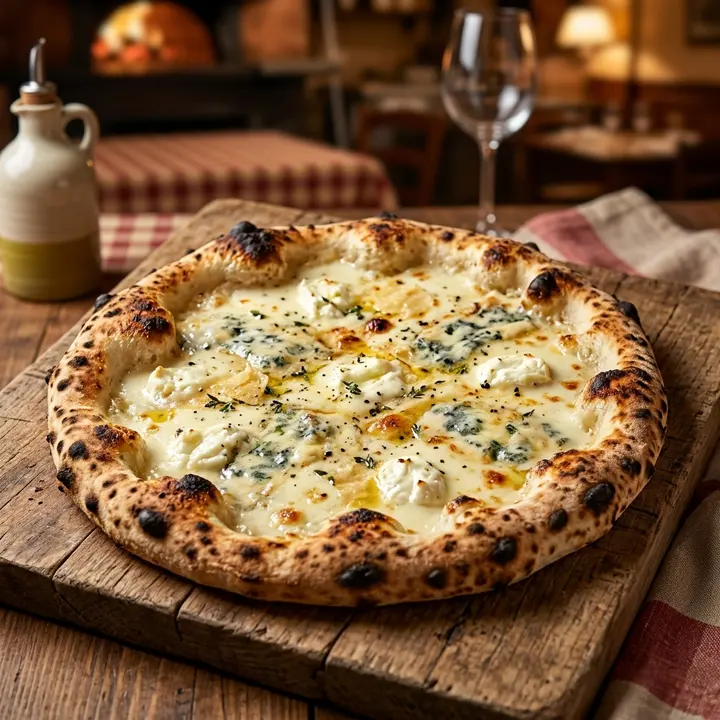
Quattro formaggi
98 DHMozzarella, gorgonzola, parmesan, chèvre
Végétarien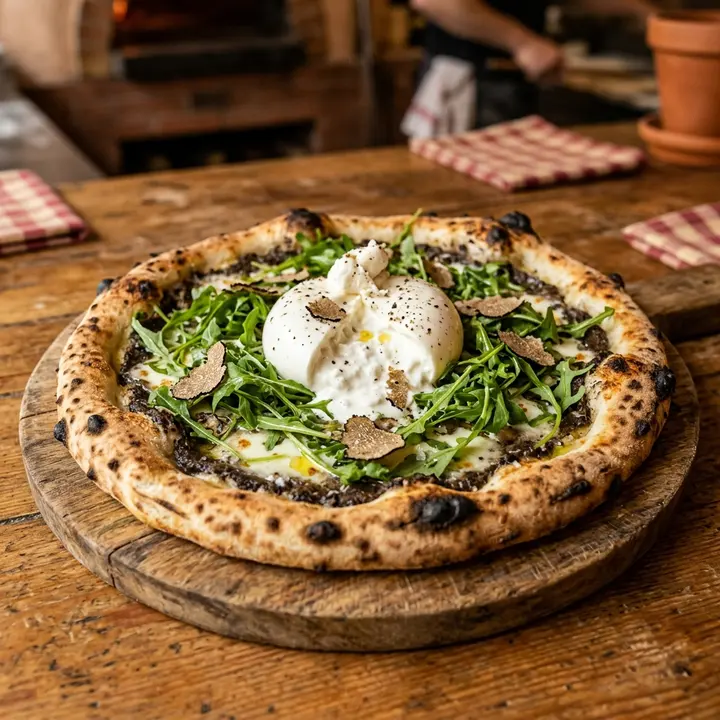
Antipasti
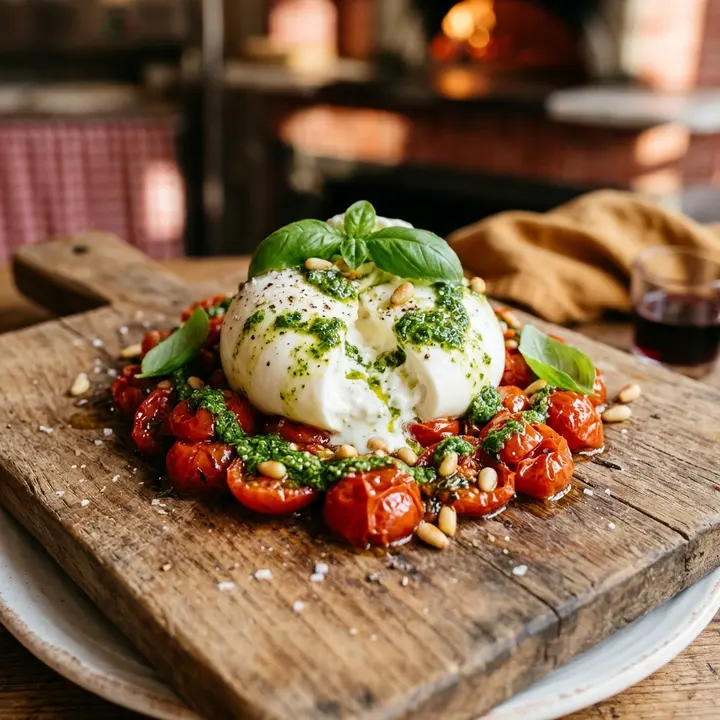
Burrata pugliese
85 DHTomates confites, pesto
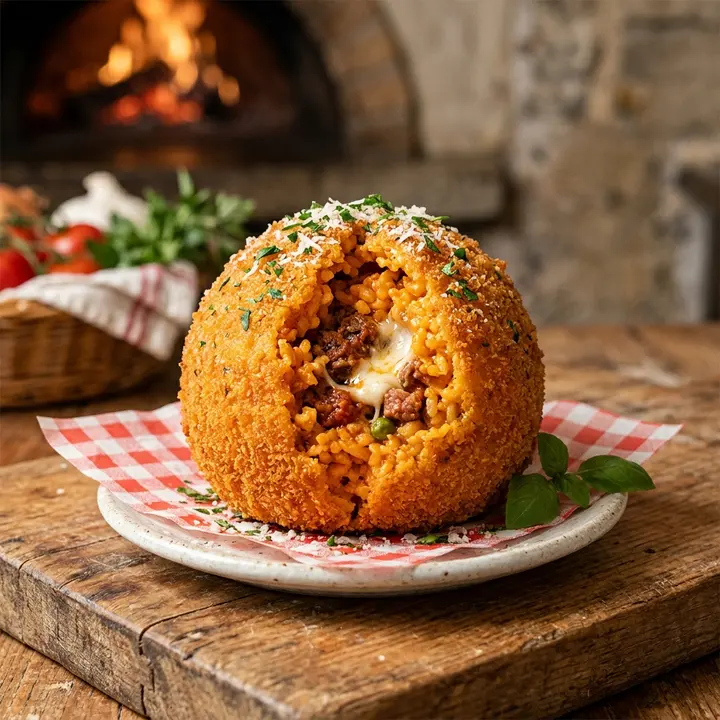
Arancini
55 DHRiz, ragù, mozzarella
Dolci
 Populaire
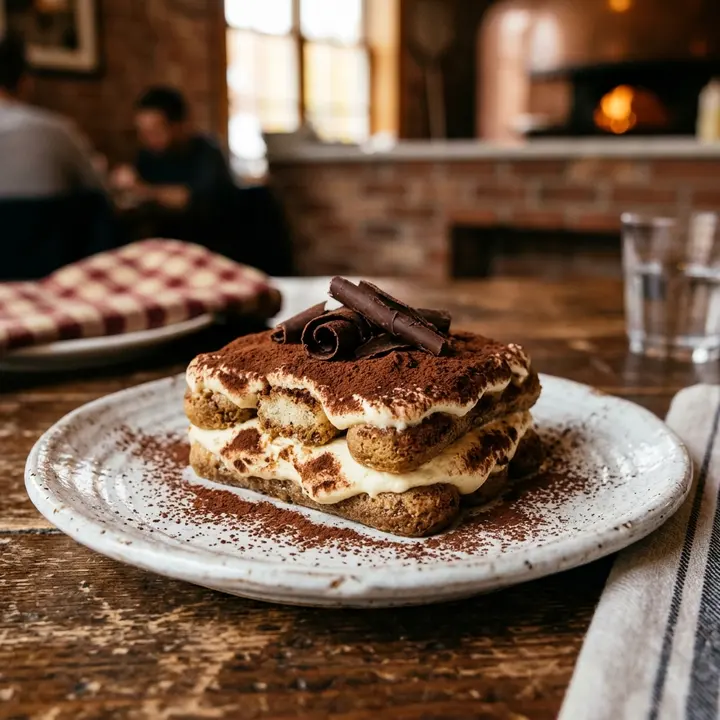
Tiramisù della nonna
45 DH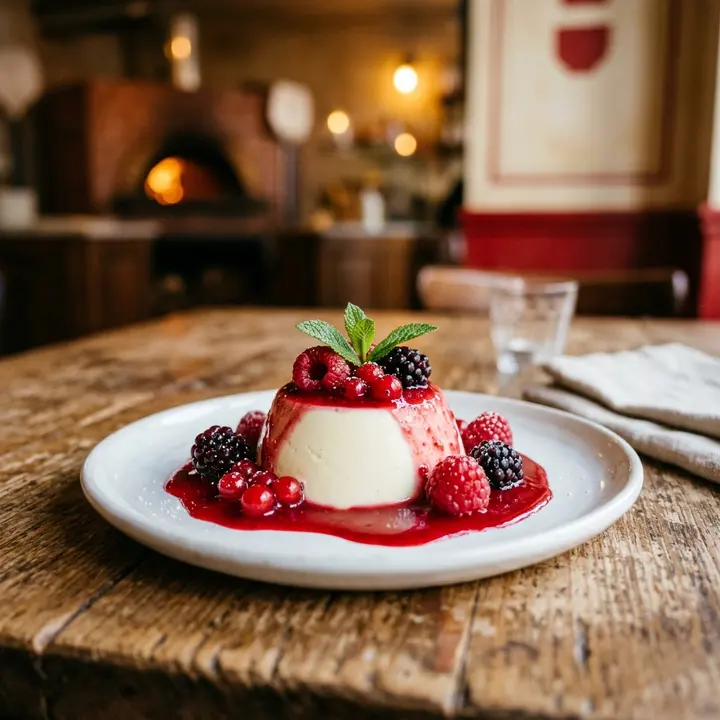
Panna cotta
40 DHCoulis de fruits rouges
What changes for you
- 1
Rosse and bianche, clearly split
Tomato-based and white pizzas each get their own tab, so a guest who wants a quattro formaggi does not scroll past ten rosse. Search finds the Diavola or the Capricciosa straight away.
- 2
Sizes and supplements, no surprises
A pizza can carry its sizes, junior or large, with a price for each. Put supplements such as burrata, extra fior di latte or anchovies in their own category, so the bill holds no surprise.
- 3
Pizza of the month, live today
Add the new pizza from your phone, mark it new and feature it at the top of its tab. When the month ends, remove it: the QR codes on the tables and the counter stay exactly the same.
- 4
Gluten and milk, answered in writing
Mark gluten-free bases and list the allergens of each pizza: milk in the fior di latte, gluten in the dough, nuts in the pistachio pesto. Guests with an intolerance check before ordering instead of asking the waiter twice.
From paper to live, in three steps
- 1
Photograph the carte
One photo per page, from the pizze to the dolci. ManyMenu reads names, sizes, prices and descriptions, Italian names included, in about 30 seconds.
- 2
Add sizes and allergens
In the control room, check every price, add the junior size where you have one, and tag the allergens and the spicy Diavola before you publish.
- 3
Tables, counter, screen
Print table tents for the dining room, place a QR code on the takeaway counter and open the screen link on the TV that faces the queue.
Questions
Can takeaway customers read the menu while they wait at the counter?
Yes. A QR code at the counter opens the full menu on their phone, with no app. They choose while the oven works and order at the counter as usual: ManyMenu shows the menu, it does not take orders.
Can guests filter for vegetarian or gluten-free pizzas?
Yes. Each pizza can carry labels such as vegetarian, spicy, gluten-free or halal, and guests filter the menu by label. Allergens like milk or nuts appear on each pizza's sheet.
I change the pizza of the month every four weeks. How much work is it?
A few taps: add the pizza, write or generate its description, mark it new and feature it. Remove last month's pizza the same way; the printed QR codes keep working.
Can I offer a smaller pizza for children?
Yes. Give a pizza two sizes, such as junior and regular, each with its own price, or create a kids' category. Parents see both prices on the same line.
Guides for you
Menu pricing psychology: what actually works
Menu pricing psychology without the myths: price formats, menu engineering, anchors and layout, the research behind each tactic and the ones that backfire.
7 October 2026 · 7 min read
Menu PDF ou menu digital : ce qui marche vraiment
PDF derrière un QR, menu web ou carte papier : comparatif honnête sur la lecture, le chargement, les mises à jour, les langues, le coût et la visibilité Google.
12 octobre 2026 · 7 min de lecture
Allergènes et labels sur la carte : le guide pratique
Les 14 allergènes à déclarer, la mention « sans gluten », les labels végan, halal ou épicé : la méthode pour une carte de restaurant claire, exacte et à jour.
21 octobre 2026 · 7 min de lecture

Your menu, live on every screen this week.
ManyMenu opens by invitation. Tell us about your venue and we send you an activation code: your first menu is free.