Every outlet's menu, in every room, in the guest's language
A hotel digital menu gives each outlet its own live menu with its own hours: the restaurant, room service, the pool bar, the lobby bar and breakfast. A QR code on the card in every room opens room service, with the extension to dial. Printed in-room folders get stained, go missing and keep last season's prices long after the kitchen has moved on. Guests also come from everywhere: Morocco received a record 19.8 million tourists in 2025, according to its tourism ministry. ManyMenu starts from photos of the menus you already print, keeps the hotel's colors and logo, and offers each one in up to 11 languages, Arabic included.
Live example
Le Petit Zinc
Bistrot parisien · cuisine du marché
Paris 11e12:00 – 23:00
Entrées
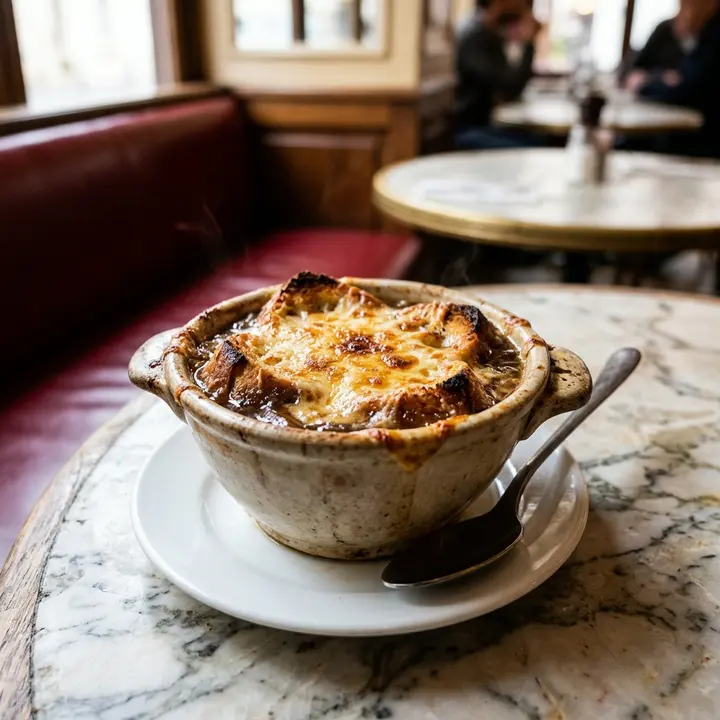
Soupe à l'oignon gratinée
Bouillon de bœuf, comté affiné 18 mois
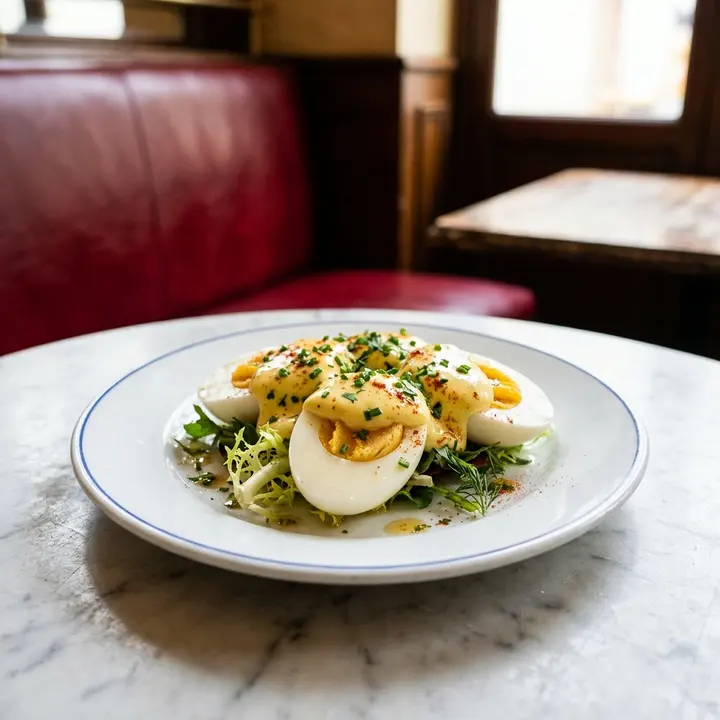
Œufs mayonnaise
Œufs fermiers, mayonnaise maison
Végétarien · Populaire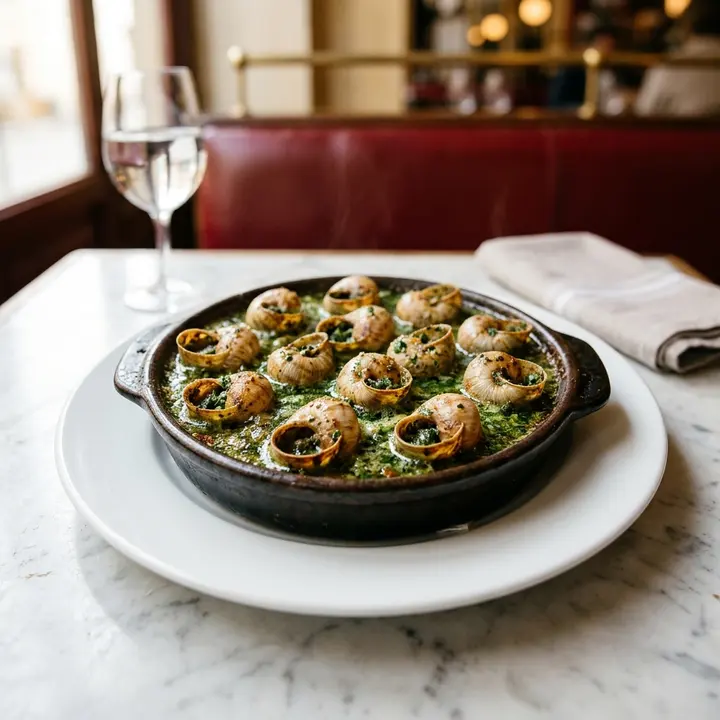
Escargots de Bourgogne
Beurre persillé, la douzaine
Choix du chef
Plats
Signature
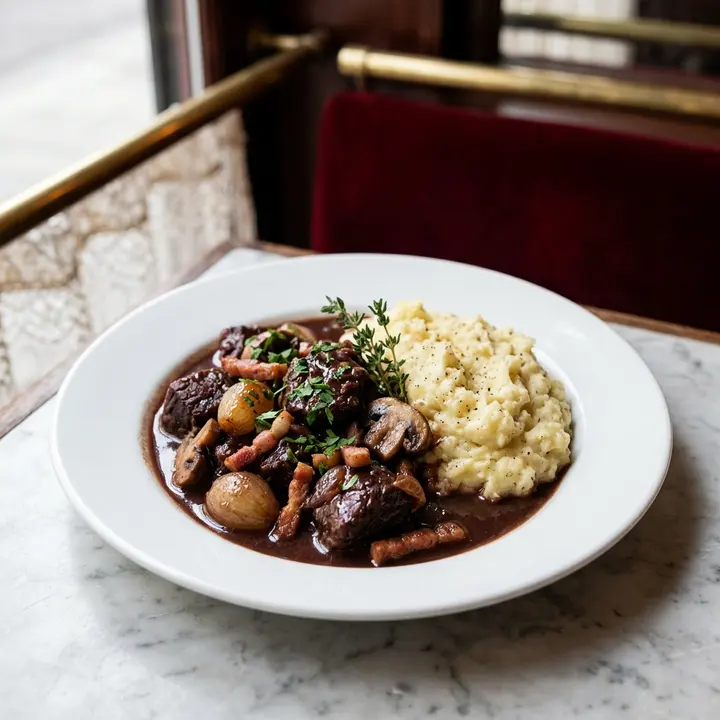
Bœuf bourguignon
Mijoté sept heures, purée à l'ancienne
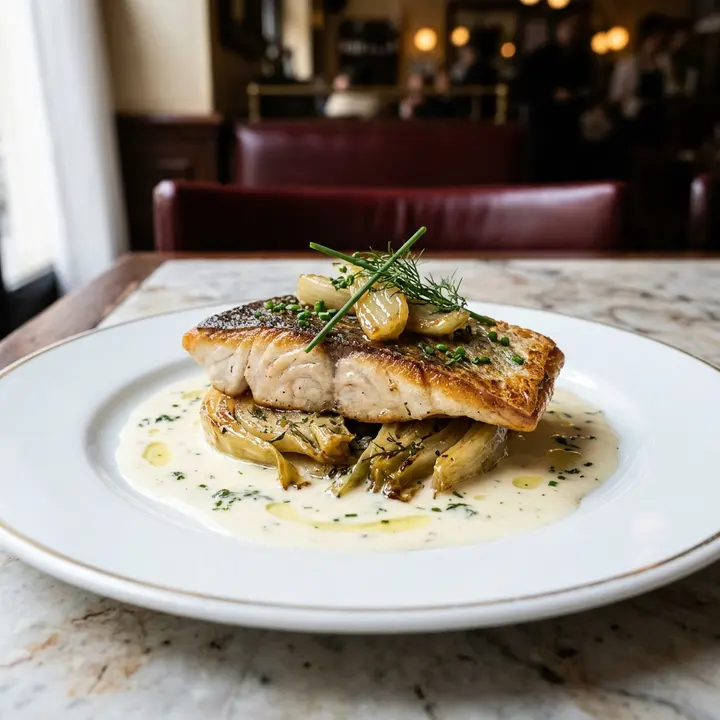
Filet de bar
Beurre blanc, fenouil braisé
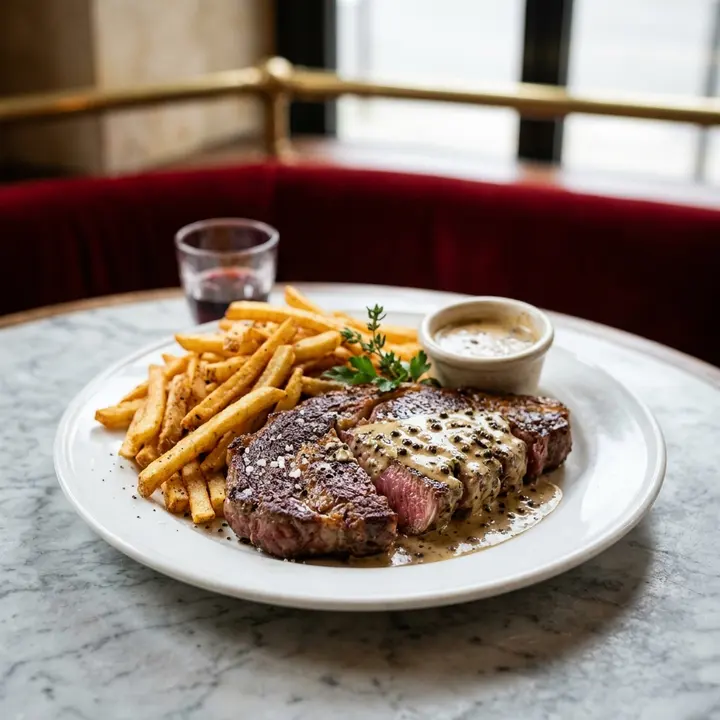
Steak frites
Sauce au poivre ou béarnaise
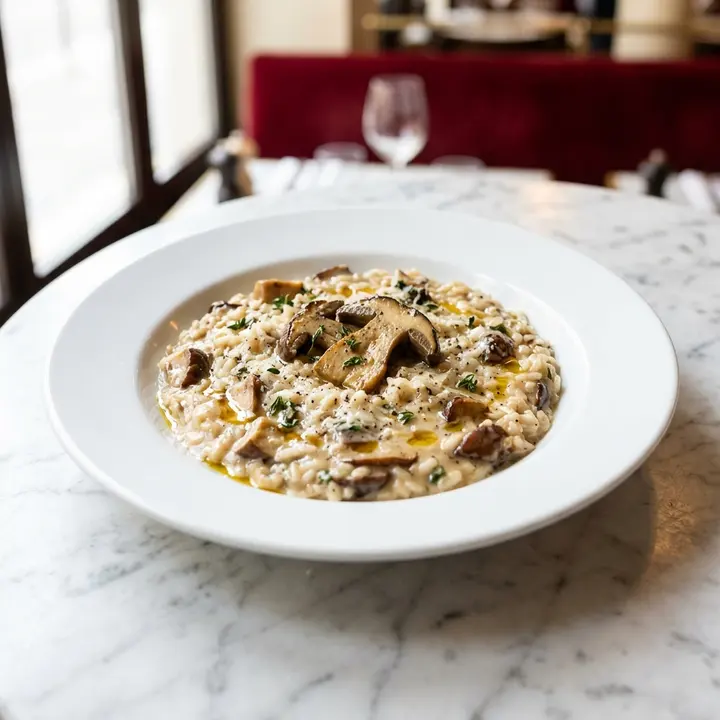
Risotto aux cèpes
Parmesan, huile de truffe
Végétarien
Desserts
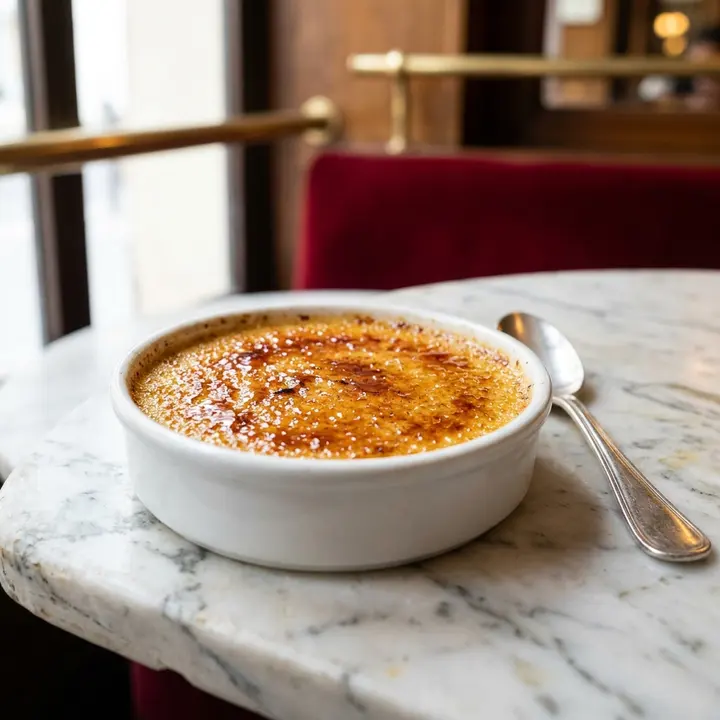
Crème brûlée
Vanille de Madagascar
Populaire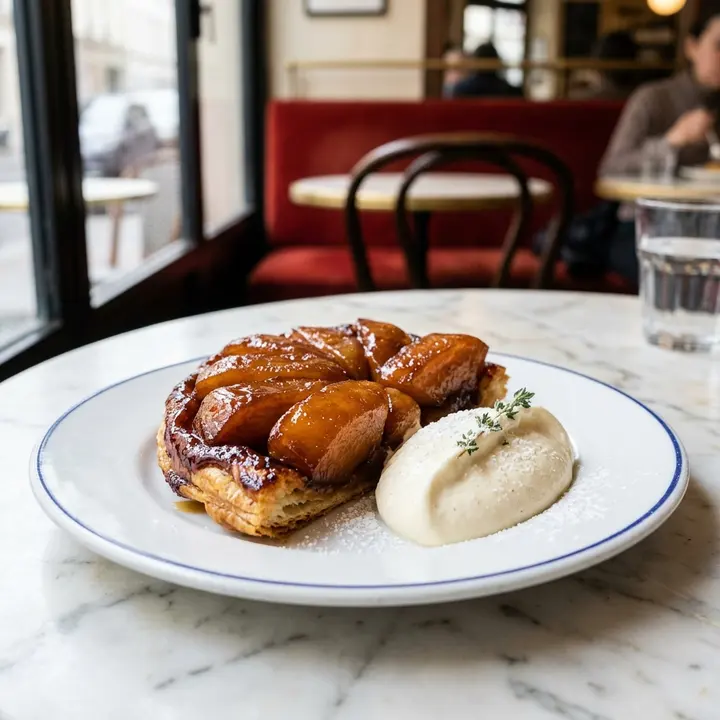
Tarte Tatin
Crème crue d'Isigny
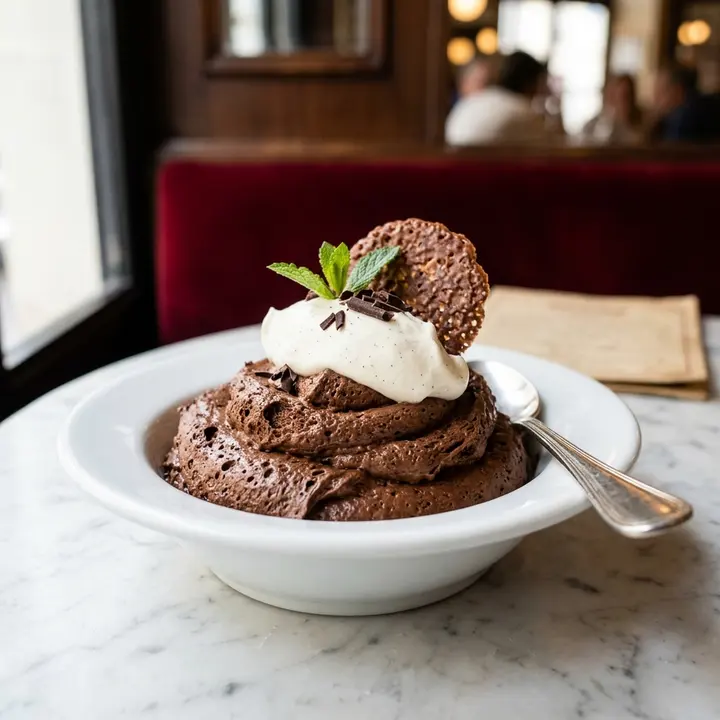
Mousse au chocolat
ÉpuiséChocolat noir 70 %
Vins
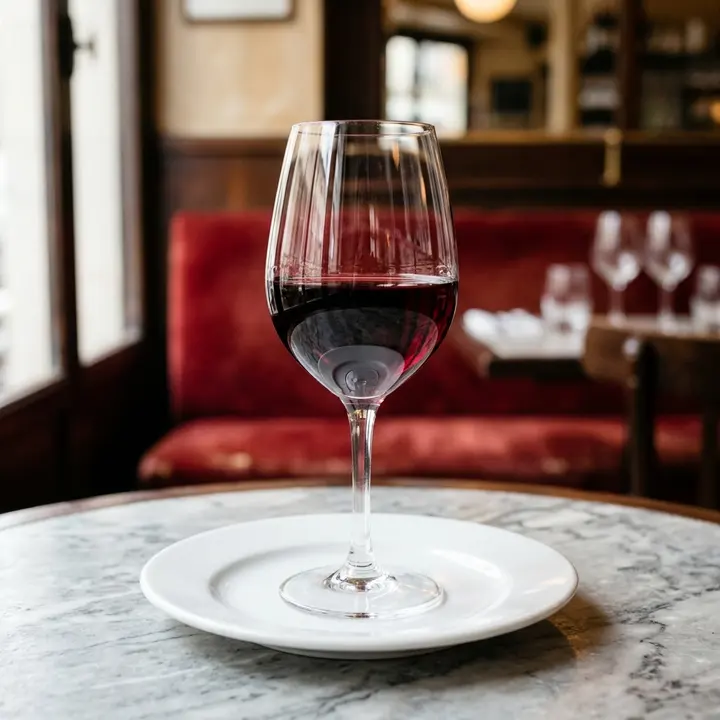
Côtes du Rhône
Domaine des Escaravailles, rouge
Alcool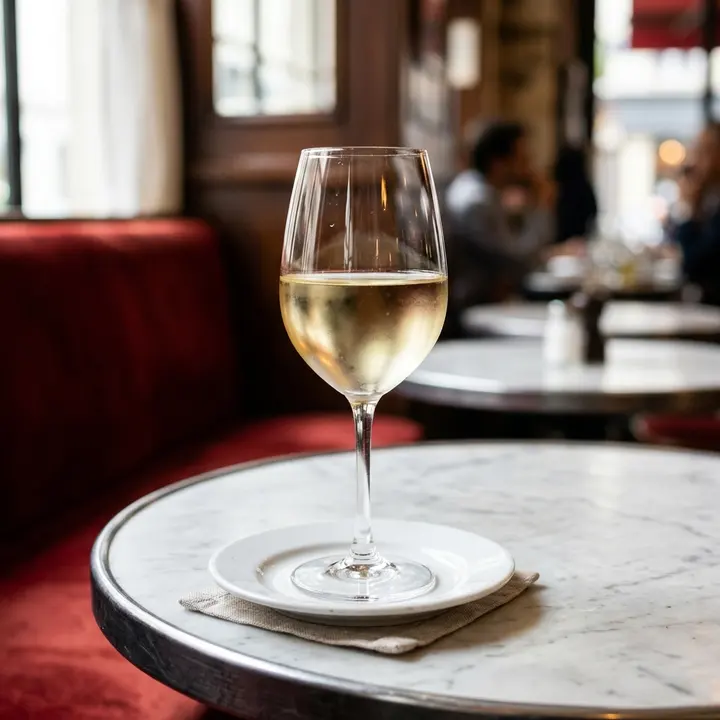
Sancerre
Blanc, Loire
Alcool
What changes for you
- 1
One menu per outlet, with hours
The restaurant, room service, pool bar, lobby bar and breakfast each get their own menu, link and QR code, showing their own opening hours. At 11 pm a guest reads the room-service menu, not a pool lunch card from June.
- 2
Room service by phone, made clear
The menu shows the room-service extension, so the guest chooses on the phone screen and dials. ManyMenu does not take orders or payments: your team keeps the call, the docket and the bill as today.
- 3
Eleven languages, Arabic right to left
Guests switch language on the menu: English, French, Arabic, Spanish, German, Italian, Dutch, Portuguese, Turkish, Chinese or Japanese. Names that should stay, such as bœuf bourguignon, stay; the description explains them.
- 4
No more stained room folders
Replace the printed folder with a card carrying the QR code. When the chef changes the sea bass garnish or a wine runs out, you edit once and every room is current, as are the lobby and in-room TVs.
From paper to live, in three steps
- 1
Photograph each outlet's menu
Restaurant card, room-service folder, pool bar list, breakfast sheet: one photo per page. The AI reads dishes, prices, sizes and wines by the glass or bottle.
- 2
Review, translate, set hours
Check every line in the control room before publishing, add each outlet's hours and extension, then translate into the languages your guests speak.
- 3
Rooms, lobby and screens
Print QR cards for the rooms and restaurant tables, and open the screen link on lobby TVs and on in-room TVs that have a browser.
Questions
Can guests order room service through the menu?
No. ManyMenu shows the menu, the hours and the extension to call; it does not take orders or payments. The guest chooses on the phone screen and calls, and your team handles the order as it does today.
Can each outlet have its own hours and prices?
Yes. Each outlet is a separate menu with its own hours, prices and QR code, so the pool bar can close at 7 pm while the lobby bar serves until 1 am. All of them are managed from the same account.
Can the menu match our hotel's identity?
Yes. ManyMenu keeps your colors and logo and designs the menu for your kind of place. On the Chains & hotels plan, the team designs your own look with you and handles onboarding, with monthly invoicing.
Will it work on the TVs in our rooms?
If the TV has a web browser, yes: smart TVs, Fire TV or Chromecast sticks, a small PC or a tablet. Open the screen link once and it stays on, in landscape or portrait, rotating through the pages and showing the QR code.
Guides for you

Digital menus for hotels and room service
How hotels run room service, restaurant, pool and lobby bar menus digitally: QR codes in rooms, TV boards, languages, allergens and a one-week rollout plan.
23 October 2026 · 7 min read
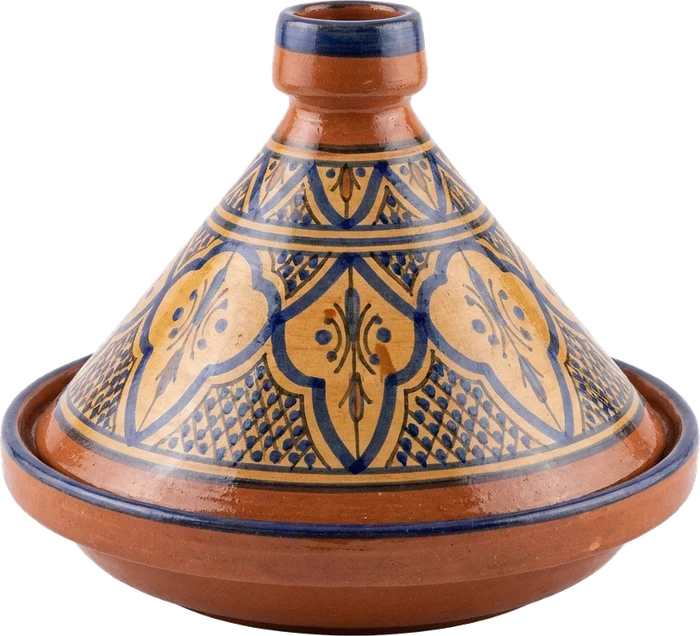
ترجمة قائمة الطعام إلى العربية والإنجليزية دون أخطاء
دليل عملي لترجمة قائمة الطعام إلى العربية والإنجليزية: الأسماء التي لا تُترجم، اتجاه الكتابة، الأرقام والعملة، الحساسية، وقائمة تحقق قبل النشر.
19 أكتوبر 2026 · 8 دقائق قراءة
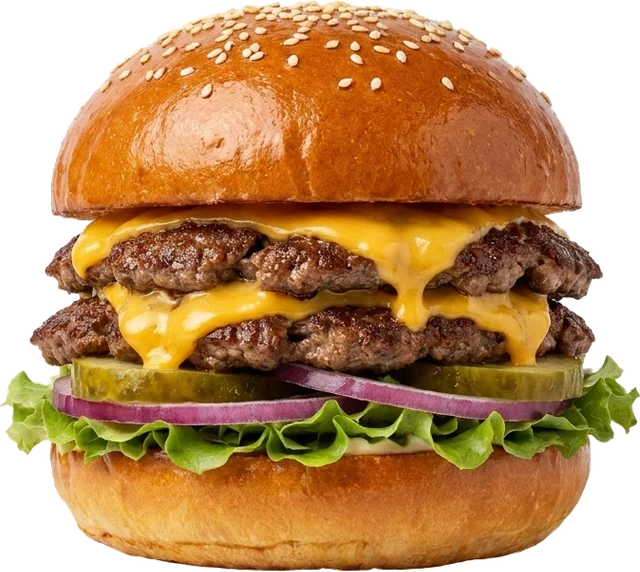
Menu sur écran TV : le guide pour cafés et fast-foods
Matériel, taille d'écran, lisibilité, rotation, coût : comment installer un menu sur écran TV dans un café ou un fast-food, sans les erreurs classiques.
16 octobre 2026 · 7 min de lecture

Your menu, live on every screen this week.
ManyMenu opens by invitation. Tell us about your venue and we send you an activation code: your first menu is free.