62 DH
Signature
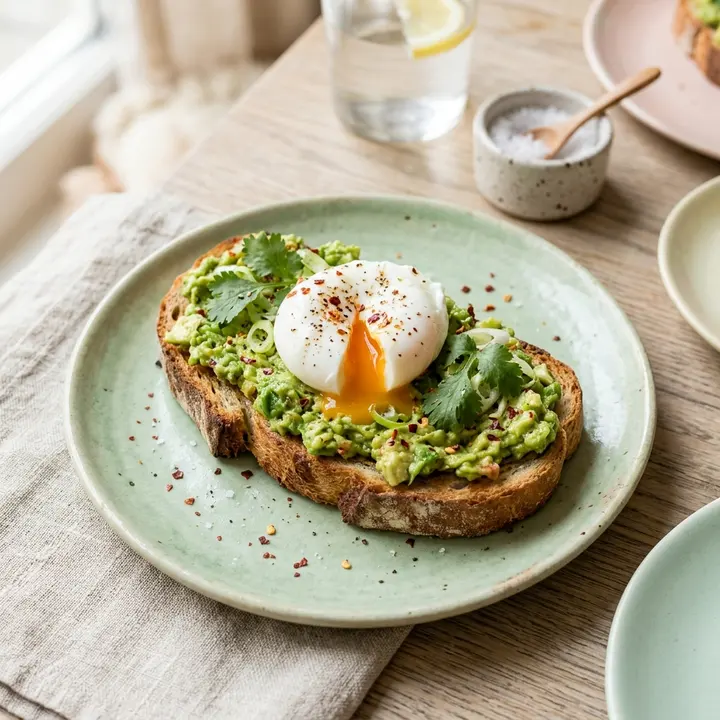
Avocado toast
Sourdough, smashed avo, chili, poached egg
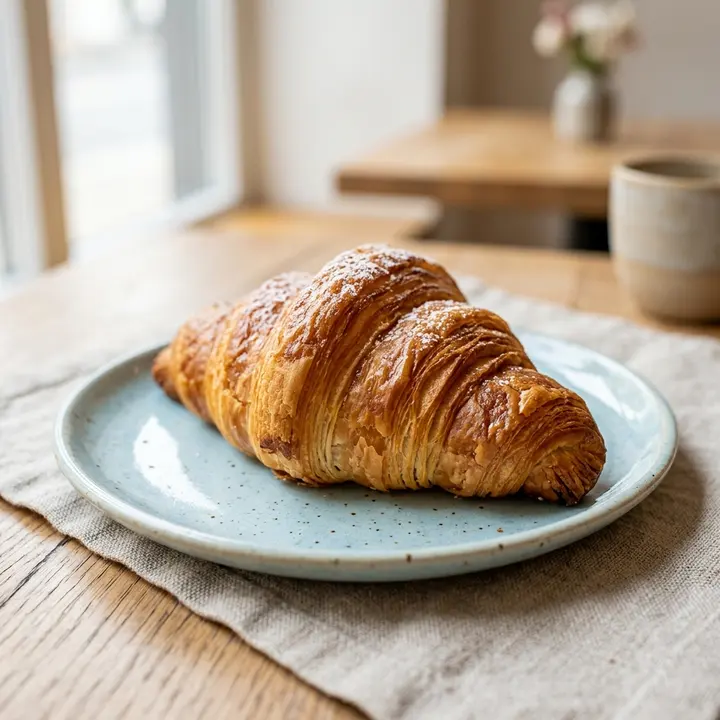
Brunch sells on looks, so a digital brunch menu puts a photo on every plate and opens from the QR code on the table or the link in your Instagram bio. People order the pancake stack they saw in a friend's story, not a line of text. Brunch also runs on a rhythm paper handles badly: a Saturday rush from 10 to 2, juices that follow the fruit market week by week, add-ons that change the bill. From one photo per page, ManyMenu builds the menu in your colors with your logo; you then add your own dish photos or have AI create them.
Also inFrançais
Live example
Sourdough, smashed avo, chili, poached egg
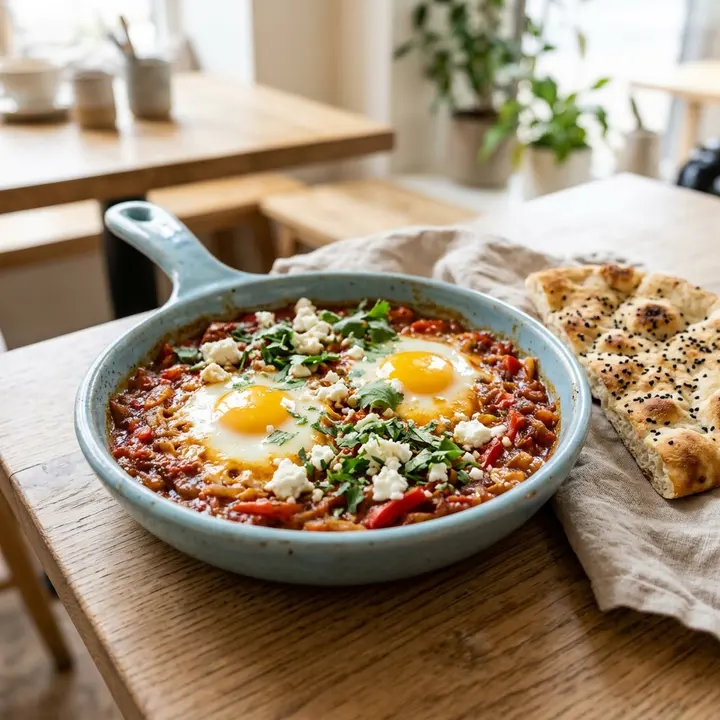
Spiced tomato, two eggs, feta, flatbread
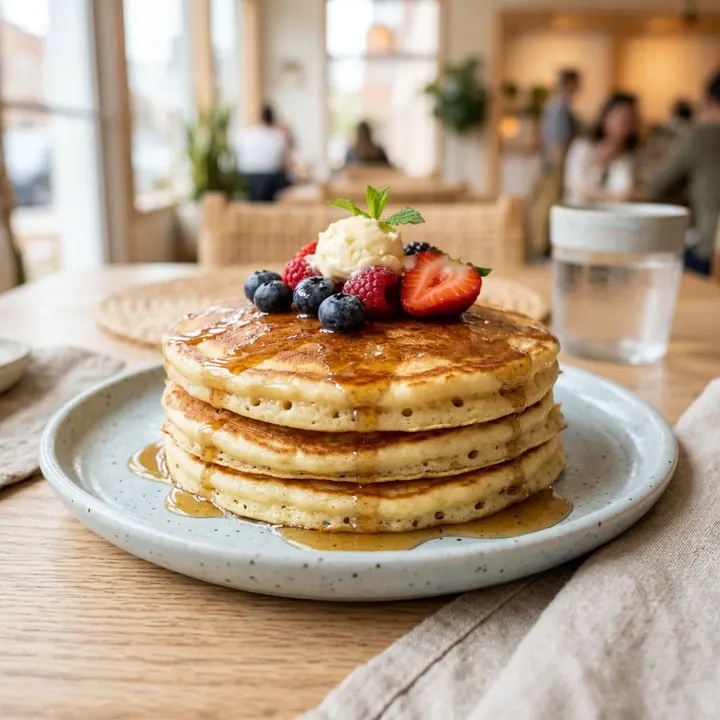
Maple, berries, whipped butter
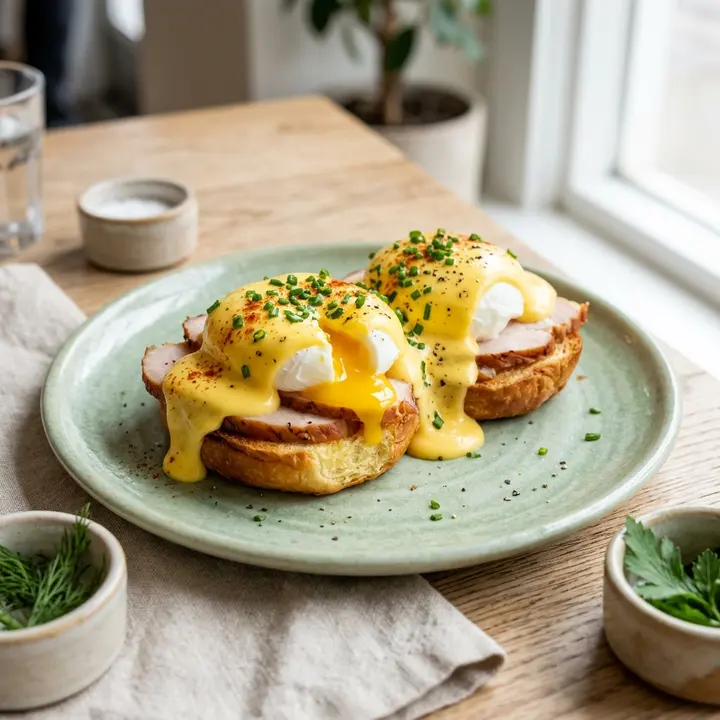
Brioche, smoked turkey, hollandaise
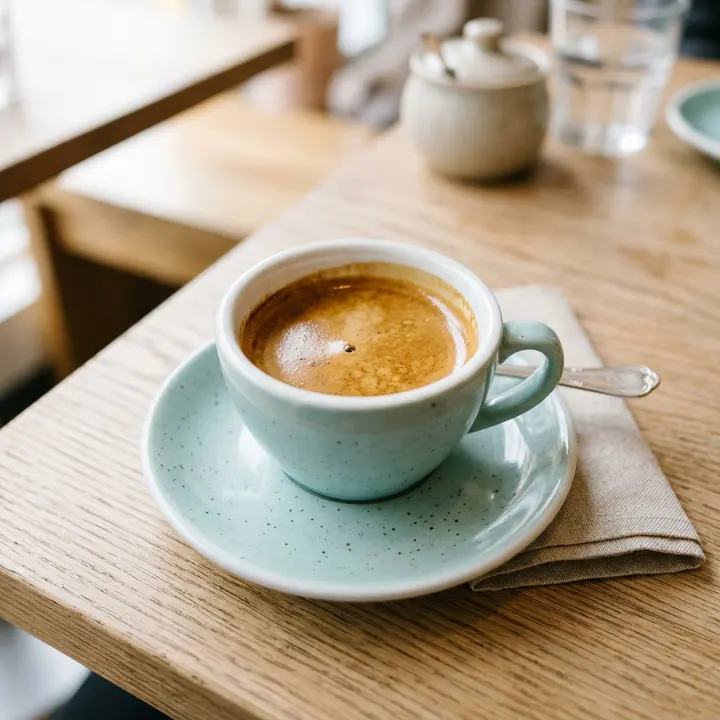
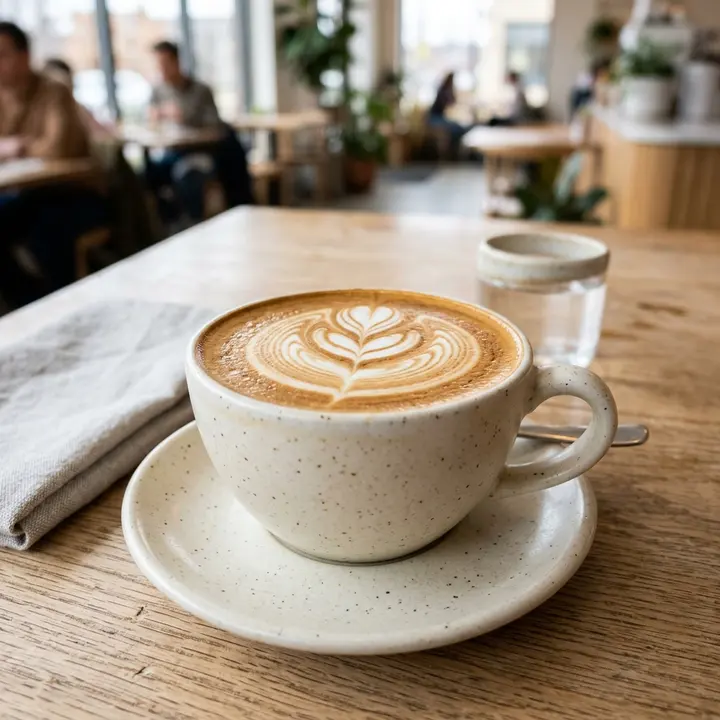
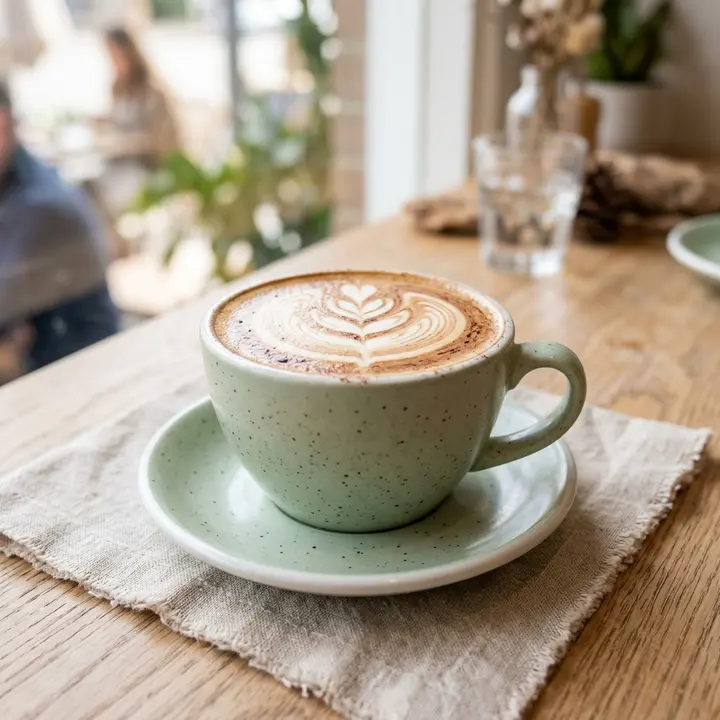
Double ristretto, silky milk
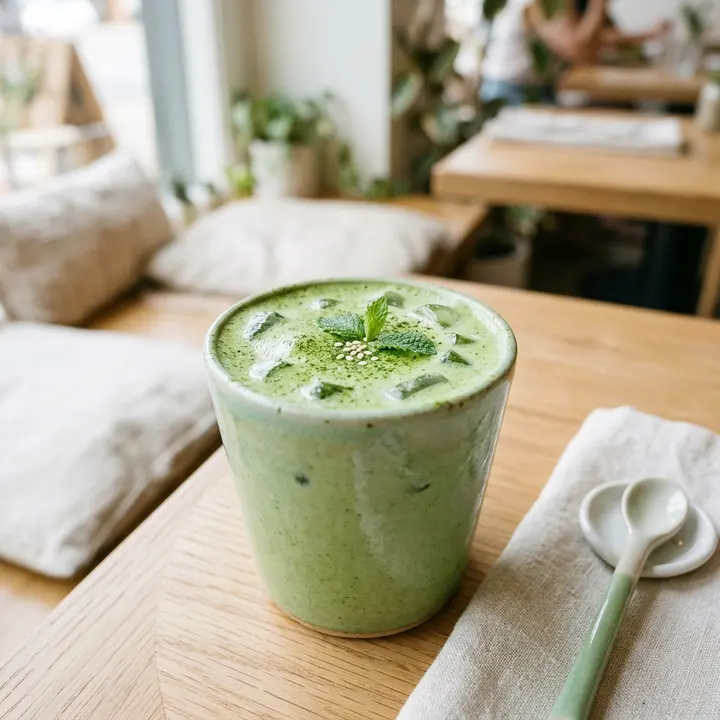
Ceremonial grade
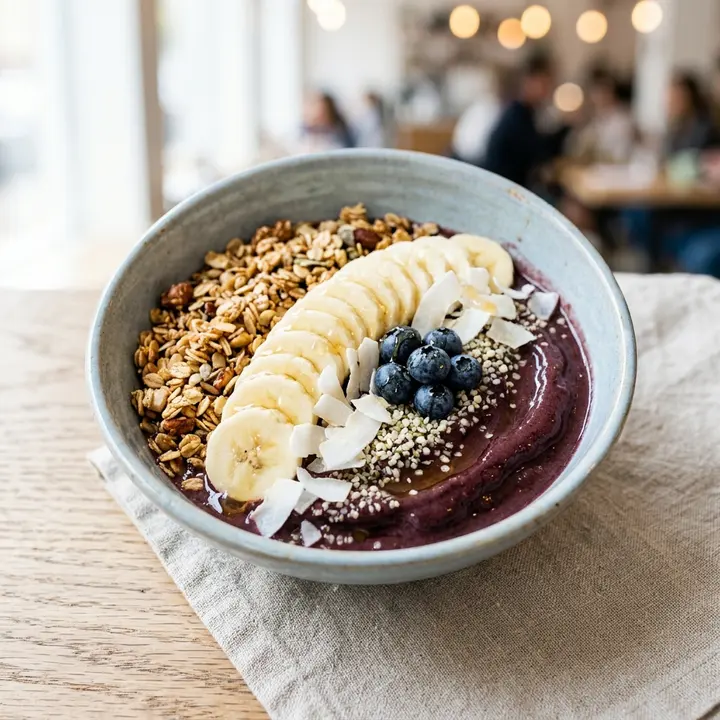
Granola, banana, coconut
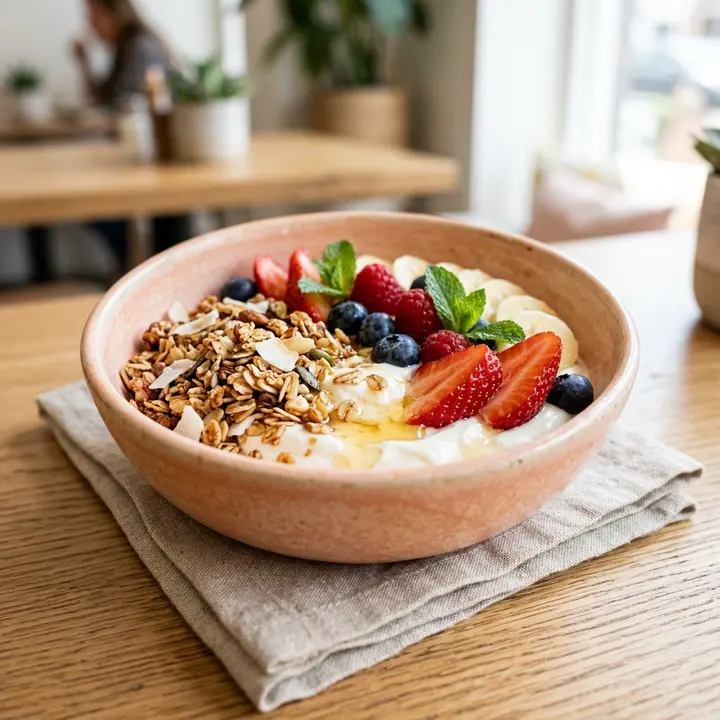
Honey, seasonal fruit
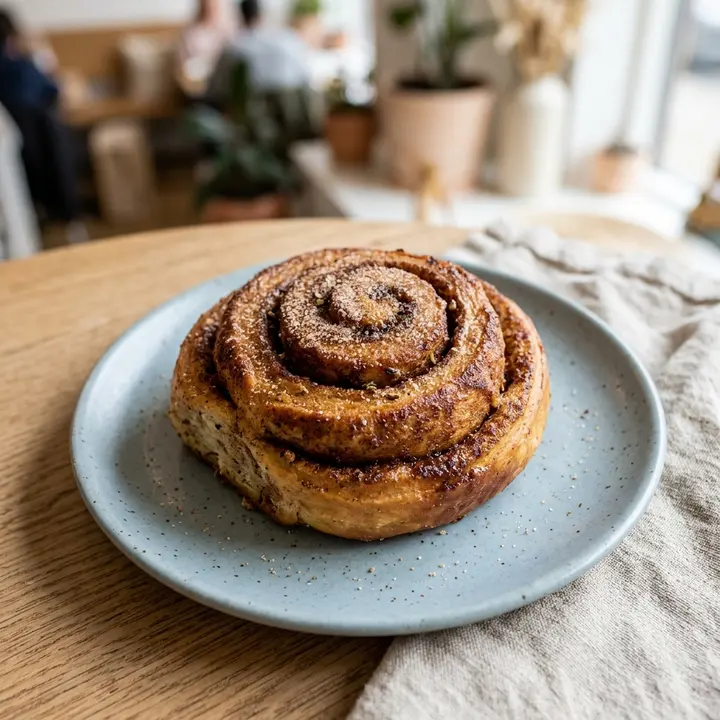
Cardamom sugar
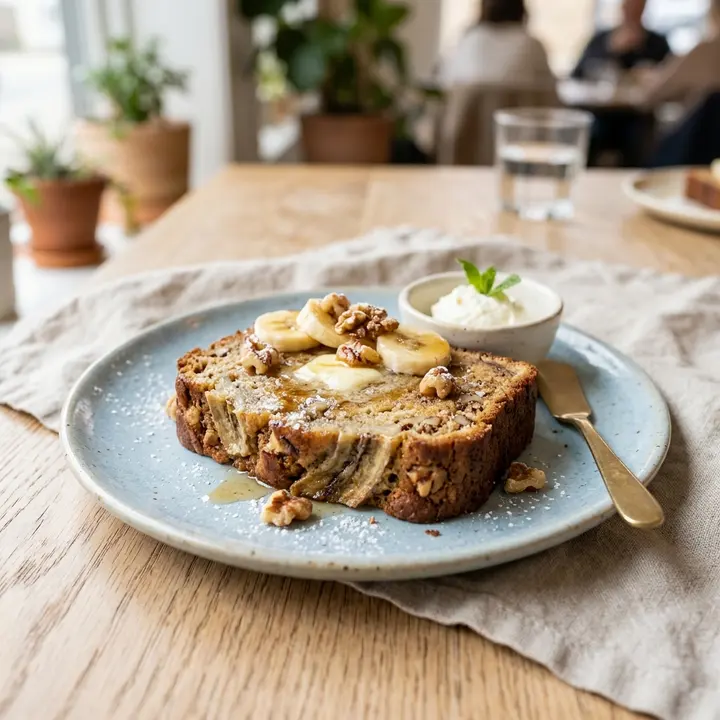
Upload your own photos, or have AI create a dish photo when you have none yet. Each plate opens on a detail sheet with its photo, description and labels, which helps a full table decide on a busy Saturday.
Tag the açaí bowl vegan and the avocado toast vegetarian, and guests filter the menu by label in one tap. The question stops reaching the waiter at every table, and nobody discovers the feta after ordering.
Each juice shows its sizes and prices on one line. When mango ends and pomegranate starts, swap the fruit and the price in two taps: the QR code, the link and the screen all follow.
Show the brunch formula as one featured item with what it includes and its price, then list add-ons such as an extra egg, smoked salmon or a second juice. Guests see the full price before ordering, not on the bill.
One photo per page from your phone, the juice board included even if it is handwritten. The AI reads plates, sizes, add-ons and prices.
Check each line, upload or generate photos for the plates that sell on looks, and tag vegan, vegetarian and new items before publishing.
Print QR cards for the tables, put the link in your Instagram bio and Google Business Profile, and send it on WhatsApp to anyone who asks what you serve.
No. Start with phone photos of your bestsellers and let AI create a dish photo for the rest; you can replace any photo later. Photos matter most on the plates you want to sell, so begin there.
Insights answer that: visits by source (QR scan, link, TV) and by referrer, Instagram and Google included, over 7, 30 or 90 days compared with the period before. A weekday by hour heatmap shows whether people read the menu on Friday night before the weekend rush.
Usually, and the menu should make the saving easy to see: put the formula first, say what it includes and keep the single prices visible. Guests then compare for themselves.
Yes, and it stays current: the link in your bio opens the live menu, so you stop reposting an image every time a price or a juice changes. Keep a highlight story with a link sticker if your followers look for the menu there.
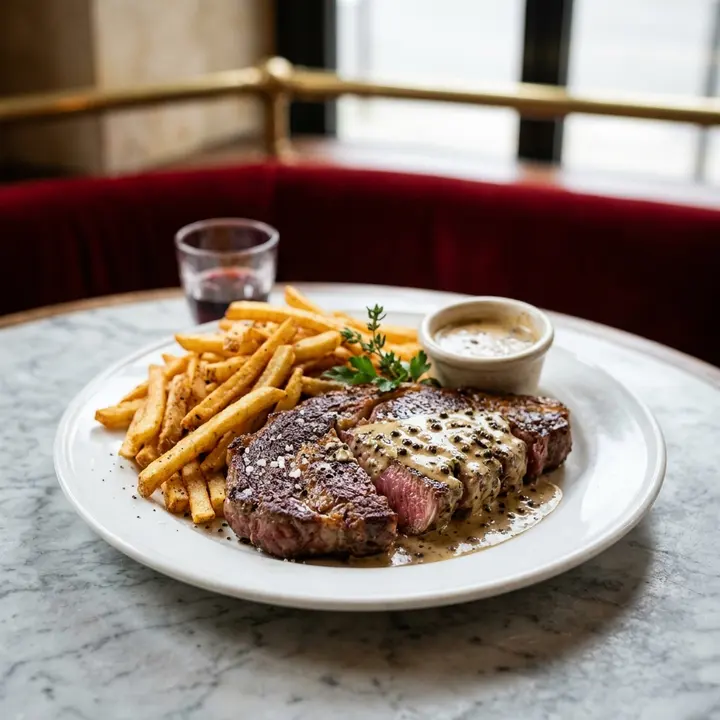
Menu pricing psychology without the myths: price formats, menu engineering, anchors and layout, the research behind each tactic and the ones that backfire.
7 October 2026 · 7 min read
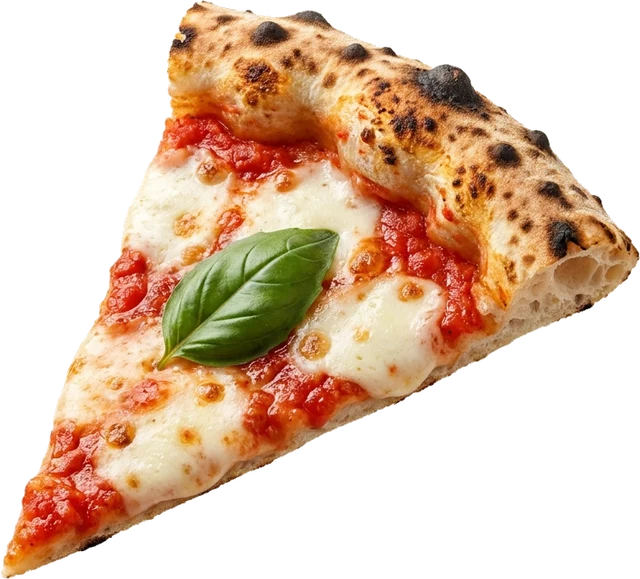
Menu analytics explained: dish opens, searches, languages, sources and peak hours, what each number means and the decision it supports in your restaurant.
14 October 2026 · 7 min read
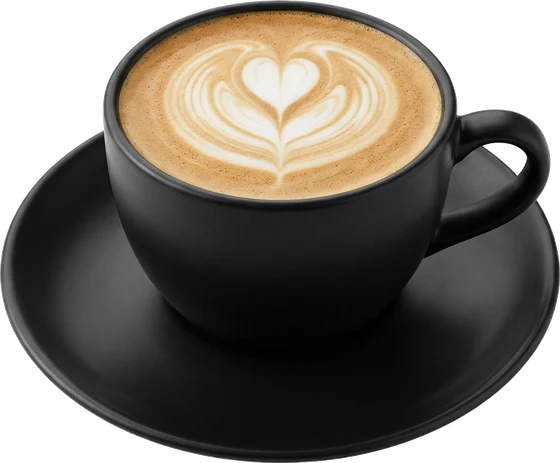
Créer un menu QR en 10 étapes : préparer et photographier la carte, choisir l'outil, imprimer un bon QR, le placer, partager le lien et tenir la carte à jour.
9 octobre 2026 · 6 min de lecture
ManyMenu opens by invitation. Tell us about your venue and we send you an activation code: your first menu is free.