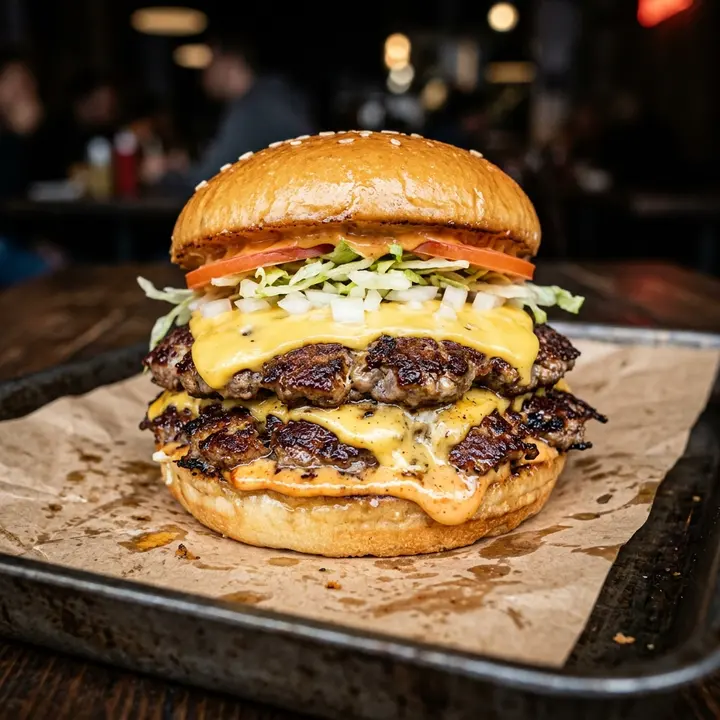
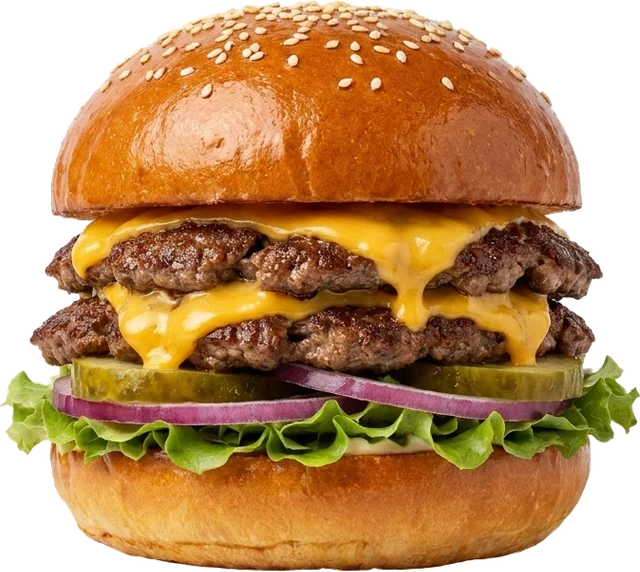
Classic Smash
Double patty, American cheese, house sauce
$9.50
A digital menu for a fast-food place is the board above your counter, the QR menu on the tables and the link your delivery customers check, all fed by one menu you edit on your phone. In a burger joint or a snack, people decide while they queue, so the screen does the selling: the combo, the large fries, the shake. When the bacon runs out at 9 pm or a supplier raises prices, you change it once and every screen follows. ManyMenu starts from a photo of the menu you already have.
Live example
Smash burgers · shakes · good times
Casablanca12:00 – 23:00
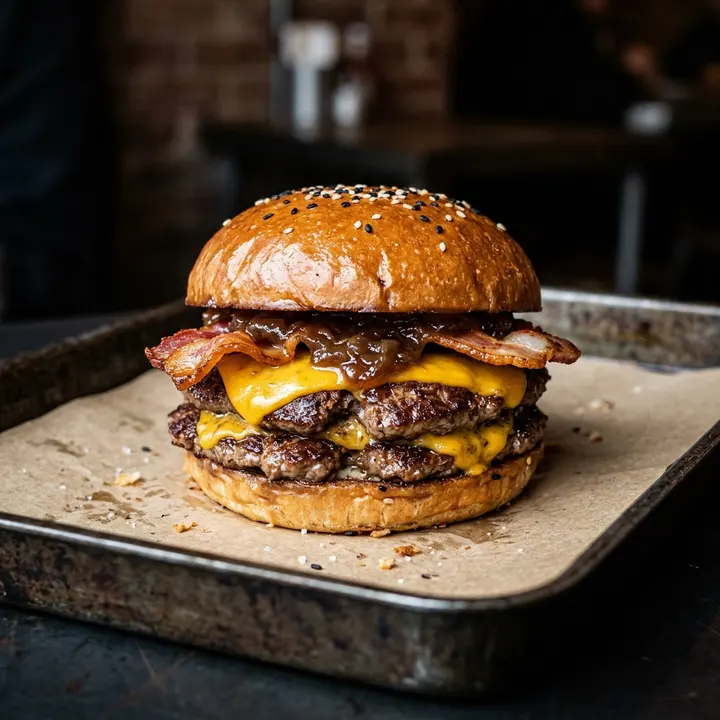
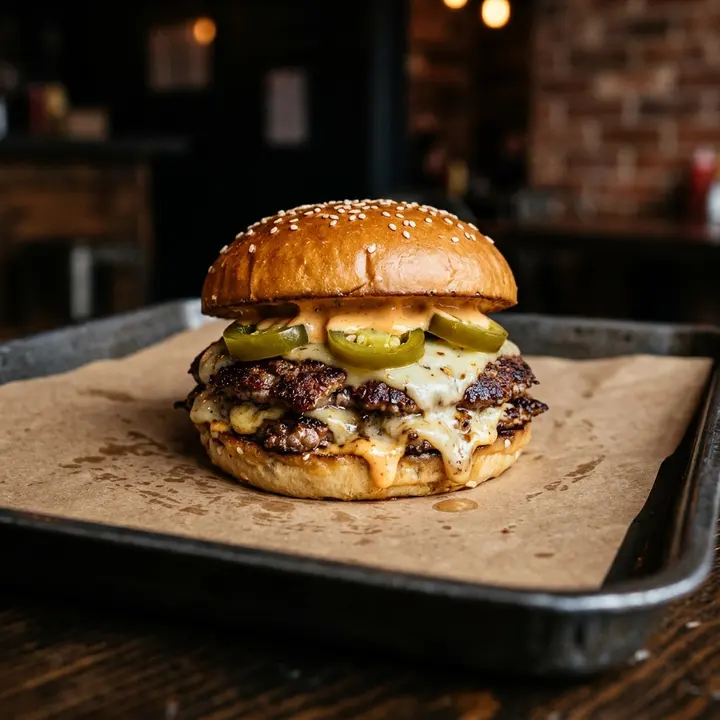
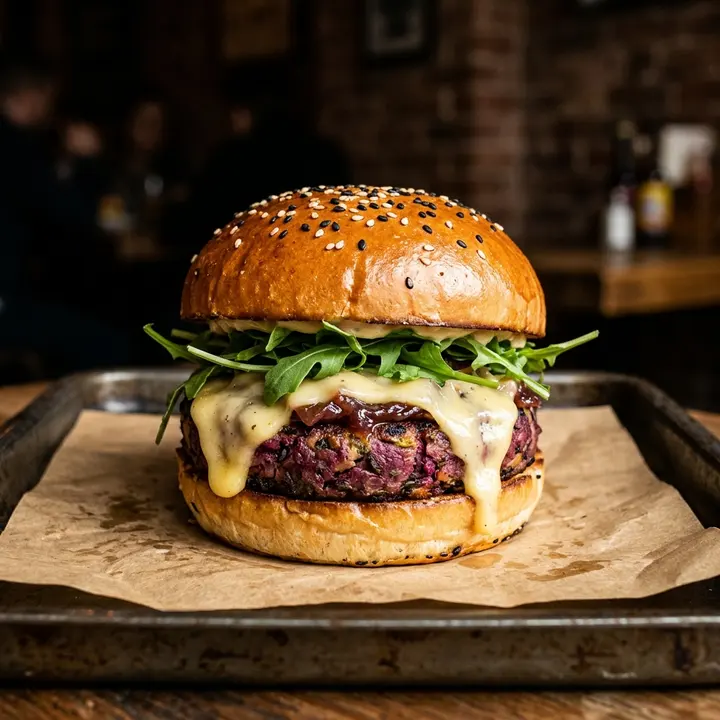
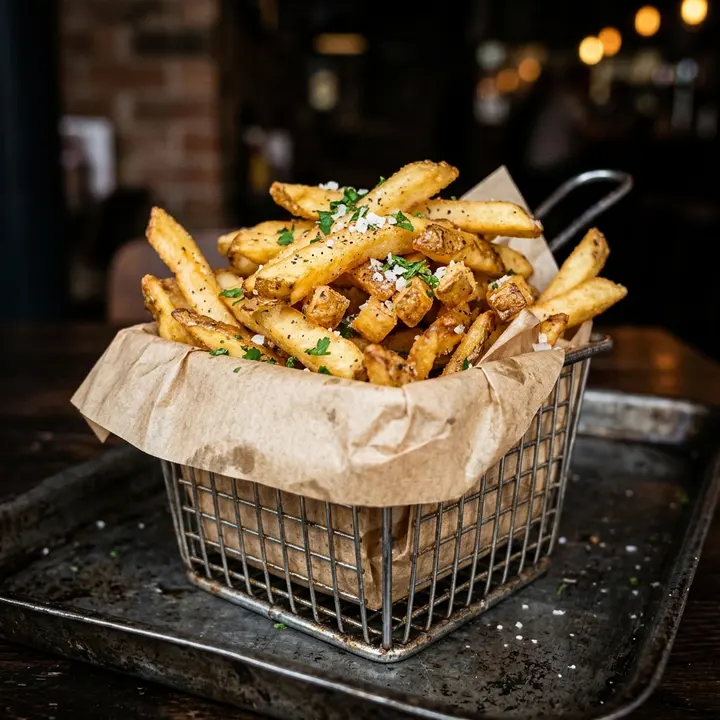
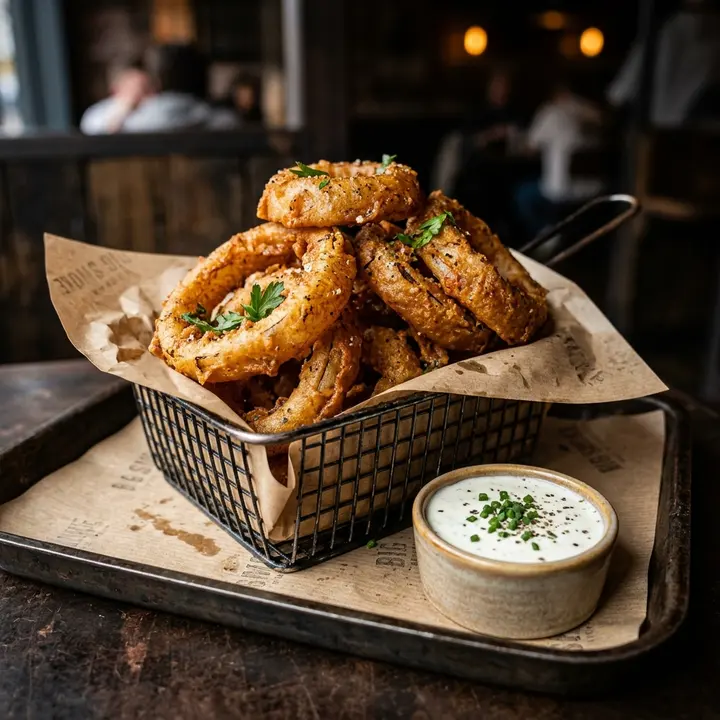
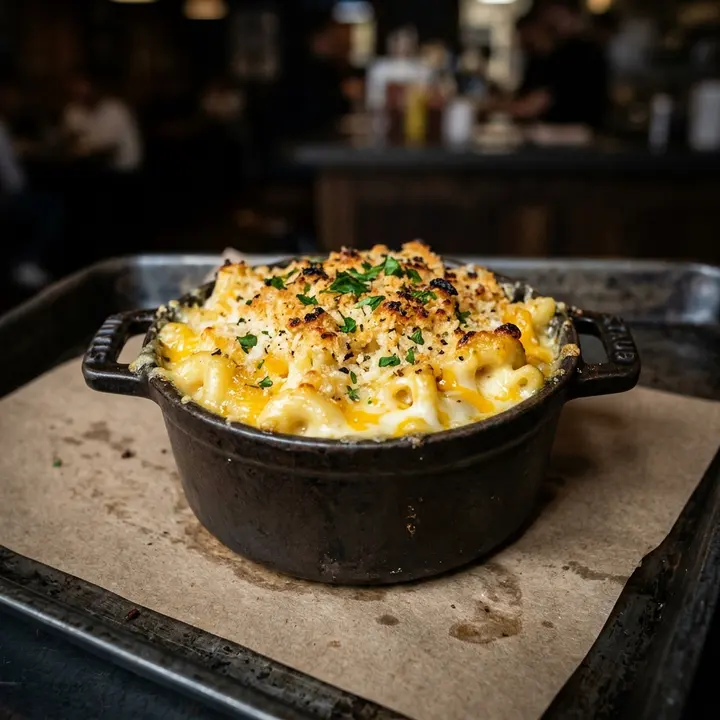
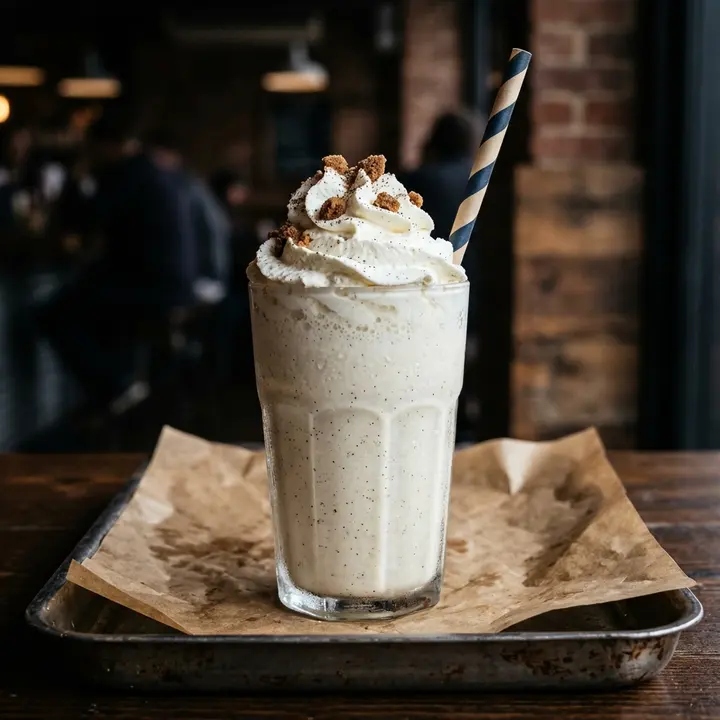
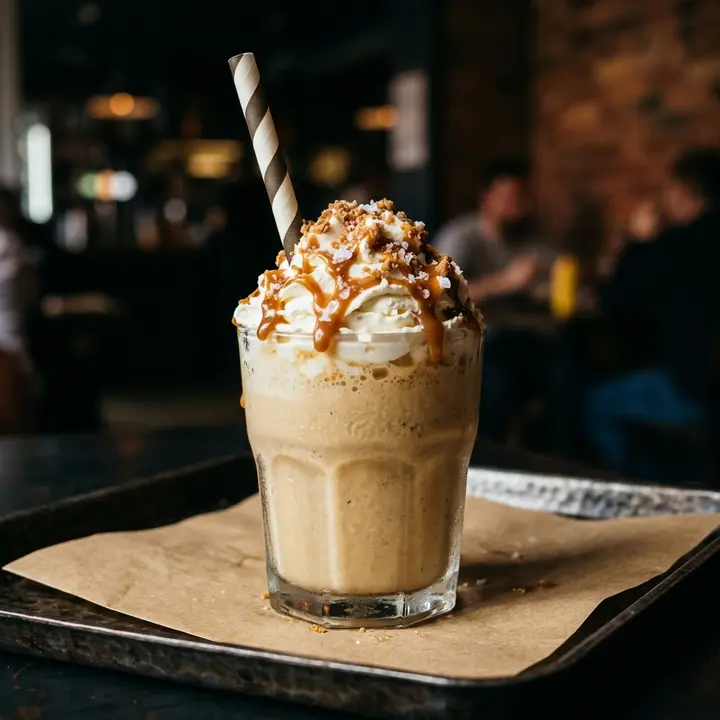
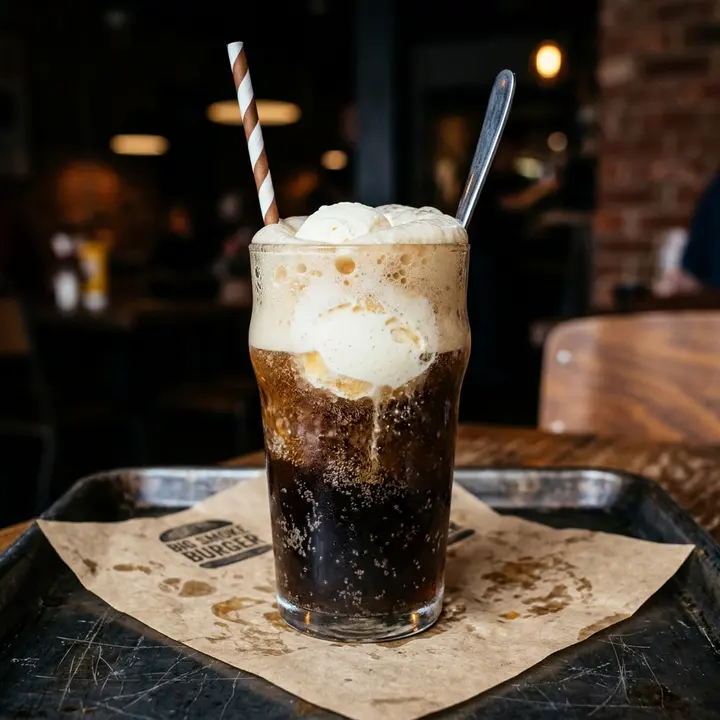
Feature the burger, fries and drink combo on the TV board, give fries a regular and a large size, and let the shakes come up as pages rotate. Guests in the queue have chosen before they reach the till.
The root beer float is gone at 8 pm, the jalapeños at 9. Mark each one sold out from your phone and the TV board and the QR menu stop offering it before the next customer asks.
A snack in Morocco sells French tacos by size, panini, burgers and plates. Each item keeps its sizes and prices on one line, and category tabs and search keep a long menu quick to read on a phone.
US menu prices were up 3.4% year on year in June 2026 (National Restaurant Association), and meat and bread suppliers do not wait for your next reprint. Change a price once and the board, QR menu and link update together.
Snap your printed menu or the backlit board above the counter, one photo per page. Burgers, combos, sizes and prices are read in about 30 seconds.
In the control room, check prices, group the combos, add sizes for fries and drinks, and mark today's missing items sold out.
Open the screen link on the counter TV in portrait or landscape, print QR codes for the tables and put the link in your Instagram bio and on WhatsApp.
No. ManyMenu shows your menu; it does not take orders or payments. Delivery customers check the link first, from your Instagram bio, Google profile or WhatsApp, then order the way they already do with you.
If it has a web browser, yes: a smart TV, or a Fire TV or Chromecast stick plugged into the screen you own. Open the screen link once, choose portrait or landscape and leave it running all day.
As soon as you save. Change the price on your phone and the TV board, every QR code and the link show it at once, with nobody touching the TV.
Yes. Insights show searches with zero results, the items people expect from you and you don't list, plus the busiest hours by weekday and whether visits come from QR scans, the link or the TV.
Menu analytics explained: dish opens, searches, languages, sources and peak hours, what each number means and the decision it supports in your restaurant.
14 October 2026 · 7 min read
Menu pricing psychology without the myths: price formats, menu engineering, anchors and layout, the research behind each tactic and the ones that backfire.
7 October 2026 · 7 min read
Matériel, taille d'écran, lisibilité, rotation, coût : comment installer un menu sur écran TV dans un café ou un fast-food, sans les erreurs classiques.
16 octobre 2026 · 7 min de lecture
ManyMenu opens by invitation. Tell us about your venue and we send you an activation code: your first menu is free.