Every roll with its photo, its pieces and what's inside
A digital menu for a sushi bar is your carte on the guest's phone through a QR code, with a photo, a piece count and the allergens on every item. Sushi menus are long and coded: a guest facing hamachi, unagi and twenty signature rolls wants to see them, know whether it is two pieces or eight, and check for sesame or crustaceans before ordering. ManyMenu reads your paper menu, keeps the Japanese names, writes a short line under each and lets you add photos, so the staff stops explaining the same rolls all evening.
Also inFrançais
Live example
Rabat8:00 – 23:00
Nigiri · 2 pcs
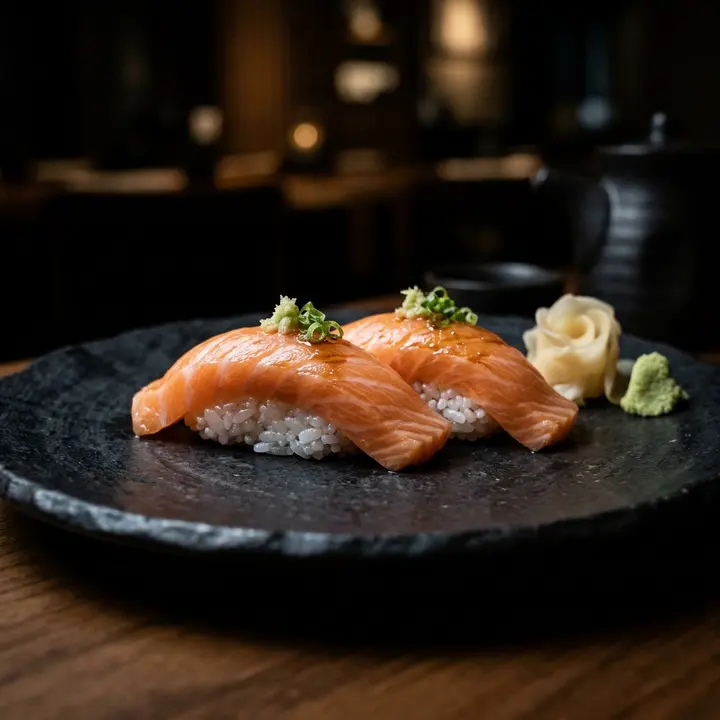
Shake
48 DHSalmon
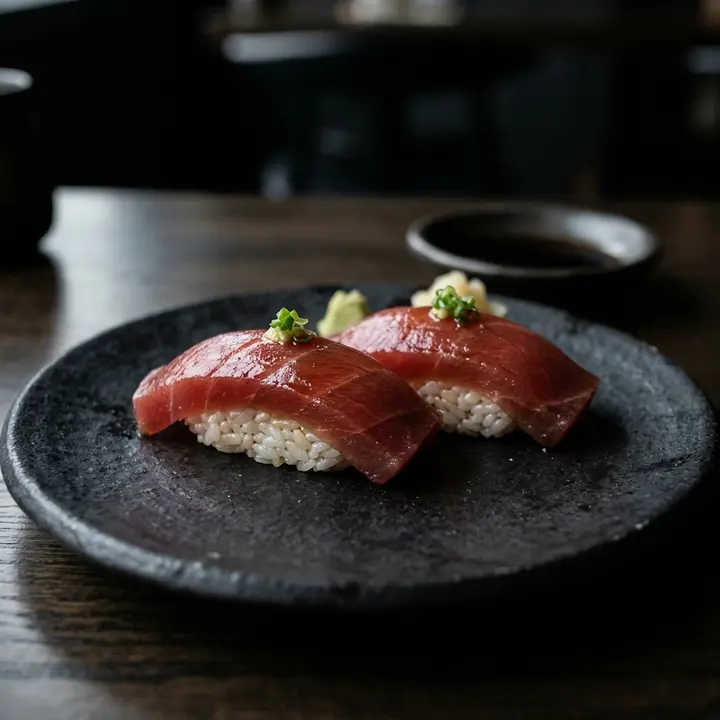
Maguro
62 DHBluefin tuna
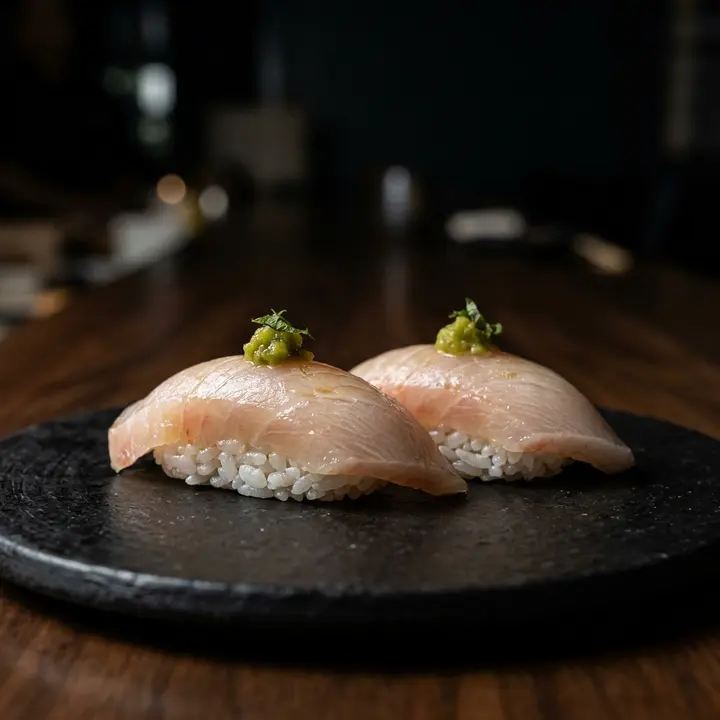
Hamachi
58 DHYellowtail, yuzu kosho
Spicy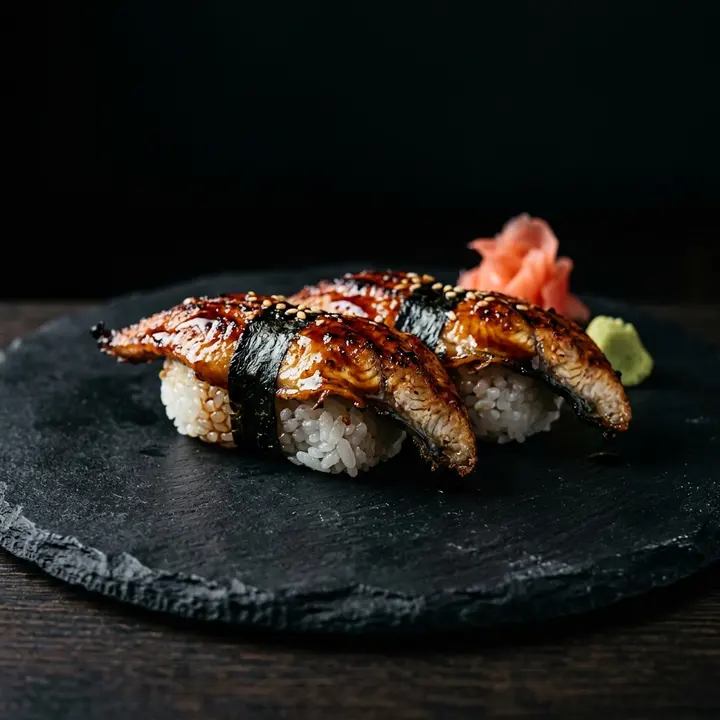
Unagi
66 DHGrilled eel, tare
Popular
Signature rolls
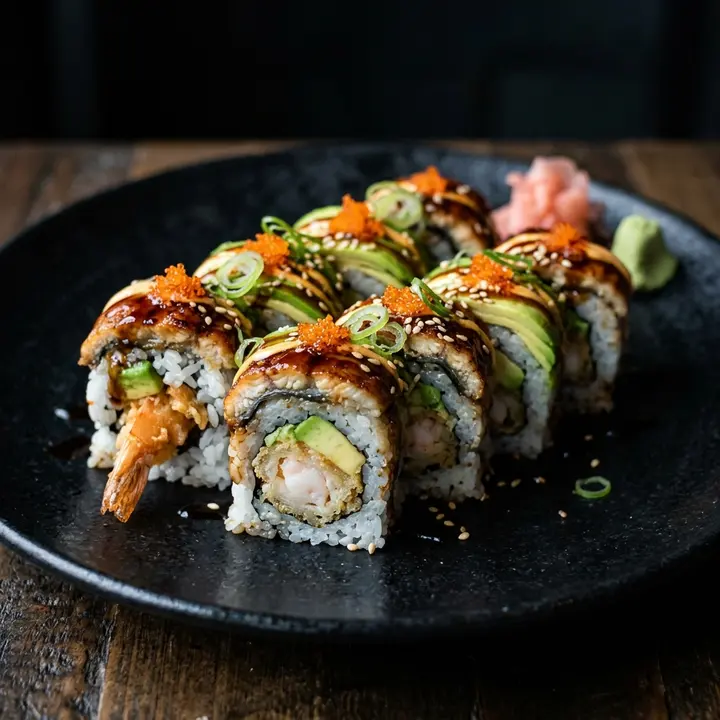
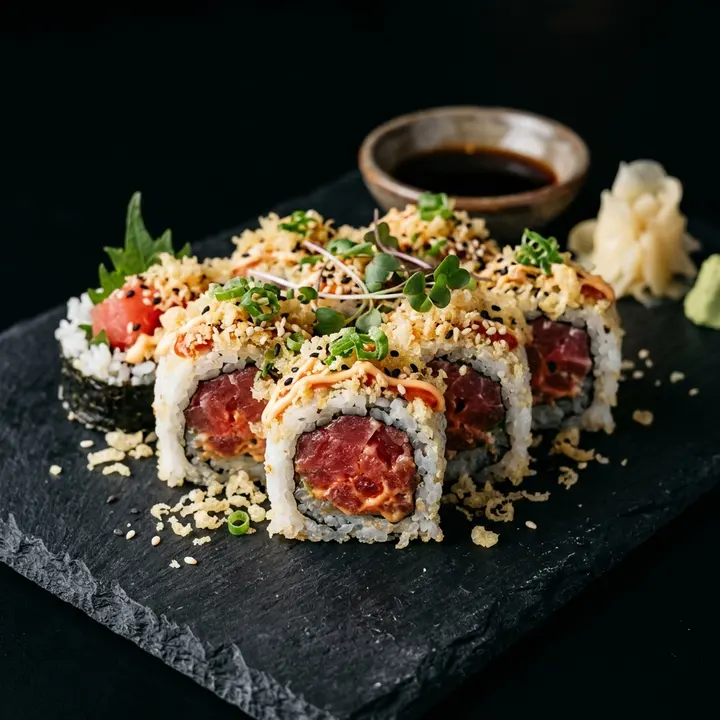
Spicy tuna crunch
88 DHTuna, sriracha mayo, tempura flakes
Spicy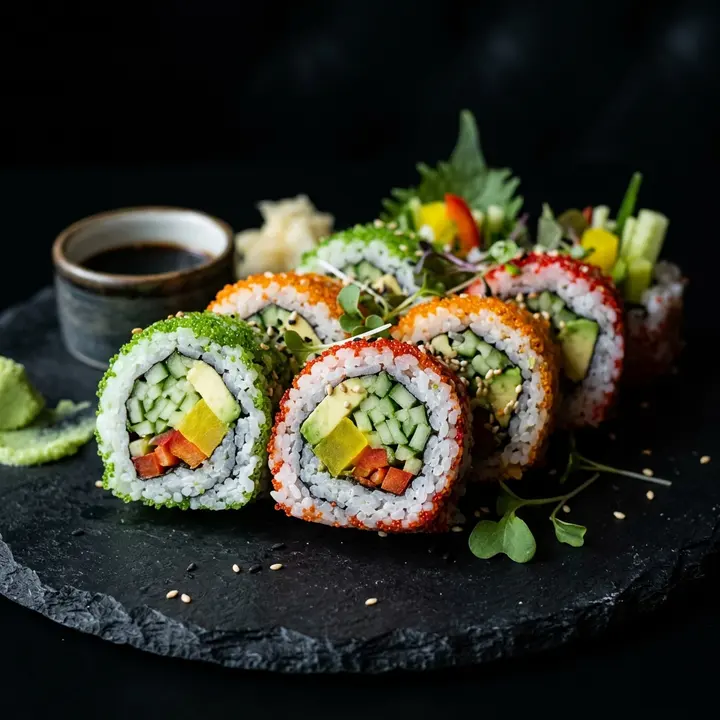
Garden roll
70 DHCucumber, avocado, pickled radish
Vegan
Hot kitchen
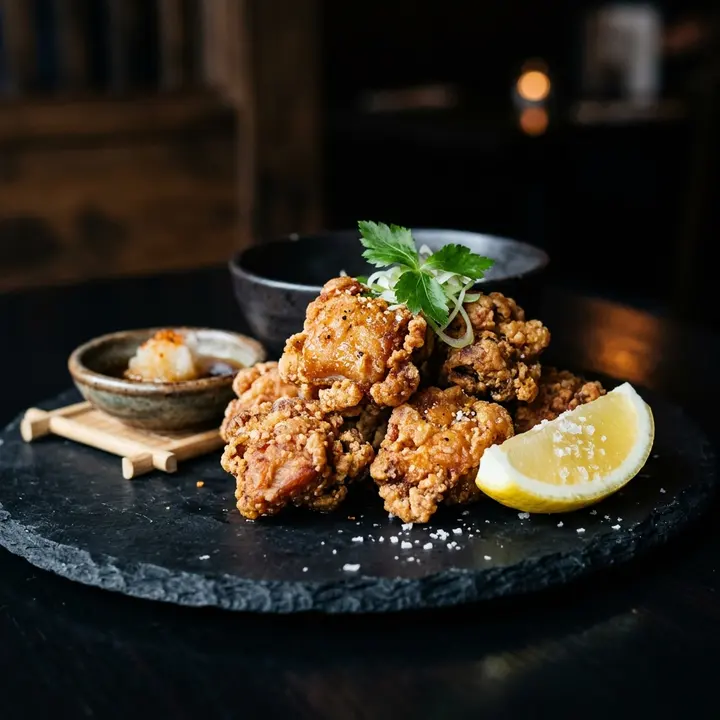
Chicken karaage
65 DHJapanese fried chicken, lemon
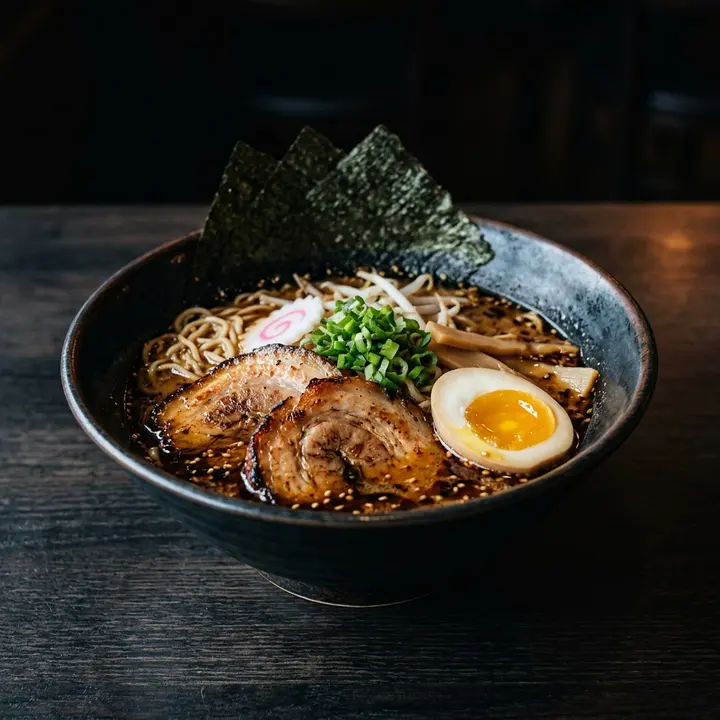
Miso ramen
85 DHPork belly, ajitama egg, nori
What changes for you
- 1
A photo for every roll
Signature rolls sell on looks. Upload your own photos or generate them with AI, feature the Dragon roll at the top, and let guests open each roll's sheet instead of calling someone over to describe it.
- 2
Pieces per portion, stated once
Nigiri by two, rolls by eight, a platter of 24: put the count in the category name or the description, or give a roll two portions with a price for each. Nobody is surprised by the plate.
- 3
Raw fish and allergens, written down
Say raw or cooked in each description, list fish, crustaceans, sesame, soy and egg on every dish, and mark the spicy tuna as spicy. Guests filter by label to find the vegan or the spicy rolls.
- 4
Japanese names, explained in a line
Maguro, hamachi and unagi keep their names, with bluefin tuna, yellowtail or grilled eel underneath. Sake is salmon on the nigiri page and rice wine on the drinks page: one short line removes the doubt.
From paper to live, in three steps
- 1
Photograph the long menu
Every page, the nigiri grid and the platter page included. ManyMenu reads Japanese names, piece counts and prices in about 30 seconds.
- 2
Add photos and allergens
In the control room, attach photos to the rolls that sell on looks, tag allergens and spicy dishes, and correct any name before publishing.
- 3
Counter, tables, Instagram
Print the QR code for the counter seats and the tables, put the link in your Instagram bio and open the screen link on a TV.
Questions
How do I present an omakase or a platter?
Create one dish with a single price and list what it includes in the description, or a category of platters by size. Feature the omakase so it is seen first, and mark it sold out when the fish of the day runs out.
Which allergens should a sushi menu show?
At least fish, crustaceans, molluscs, sesame, soybeans, eggs and gluten, the last one through soy sauce and tempura batter. In the EU these are among the 14 allergens restaurants must disclose in writing (EU regulation 1169/2011).
Can I see which rolls nobody looks at?
Yes. Insights list the available dishes nobody opened over 7, 30 or 90 days, next to the most opened ones. On a menu of 40 rolls, that tells you which ones to drop or to photograph.
Can the menu switch between English, French and Arabic?
Yes. AI translation takes one tap per language, Japanese names stay as they are and Arabic reads right to left. Guests choose their language on the menu itself.
Guides for you
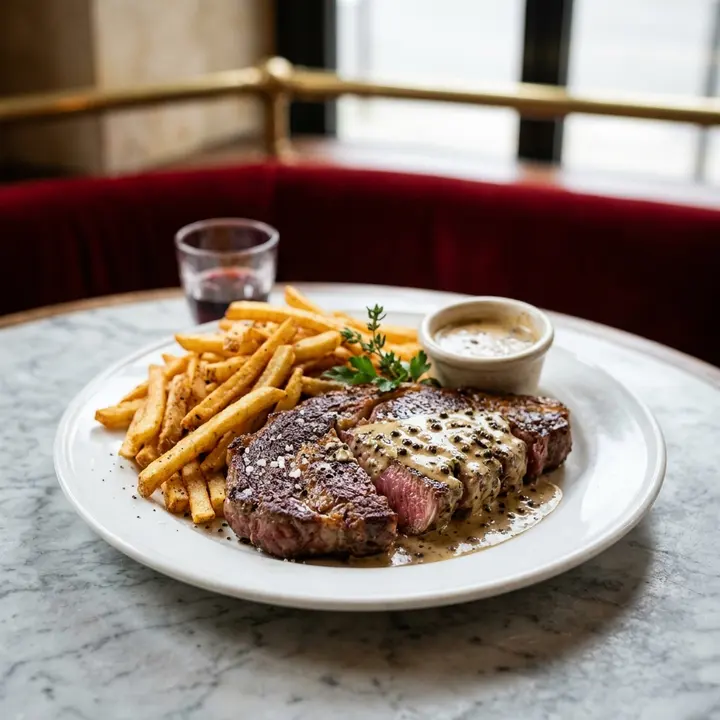
Menu pricing psychology: what actually works
Menu pricing psychology without the myths: price formats, menu engineering, anchors and layout, the research behind each tactic and the ones that backfire.
7 October 2026 · 7 min read
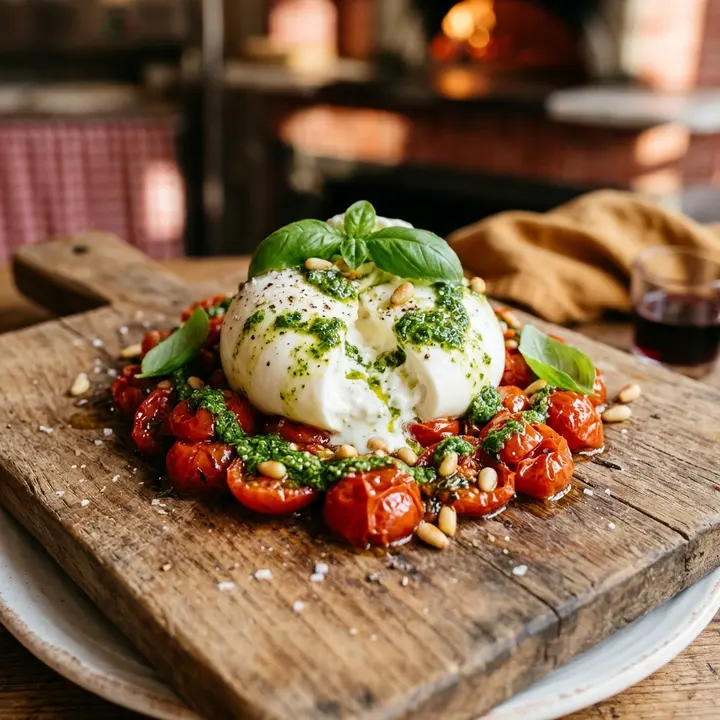
Allergènes et labels sur la carte : le guide pratique
Les 14 allergènes à déclarer, la mention « sans gluten », les labels végan, halal ou épicé : la méthode pour une carte de restaurant claire, exacte et à jour.
21 octobre 2026 · 7 min de lecture

ترجمة قائمة الطعام إلى العربية والإنجليزية دون أخطاء
دليل عملي لترجمة قائمة الطعام إلى العربية والإنجليزية: الأسماء التي لا تُترجم، اتجاه الكتابة، الأرقام والعملة، الحساسية، وقائمة تحقق قبل النشر.
19 أكتوبر 2026 · 8 دقائق قراءة

Your menu, live on every screen this week.
ManyMenu opens by invitation. Tell us about your venue and we send you an activation code: your first menu is free.